CACStar User Guide Rev A27
Copyright 2017 Digital Imaging Technology Page 36
Status
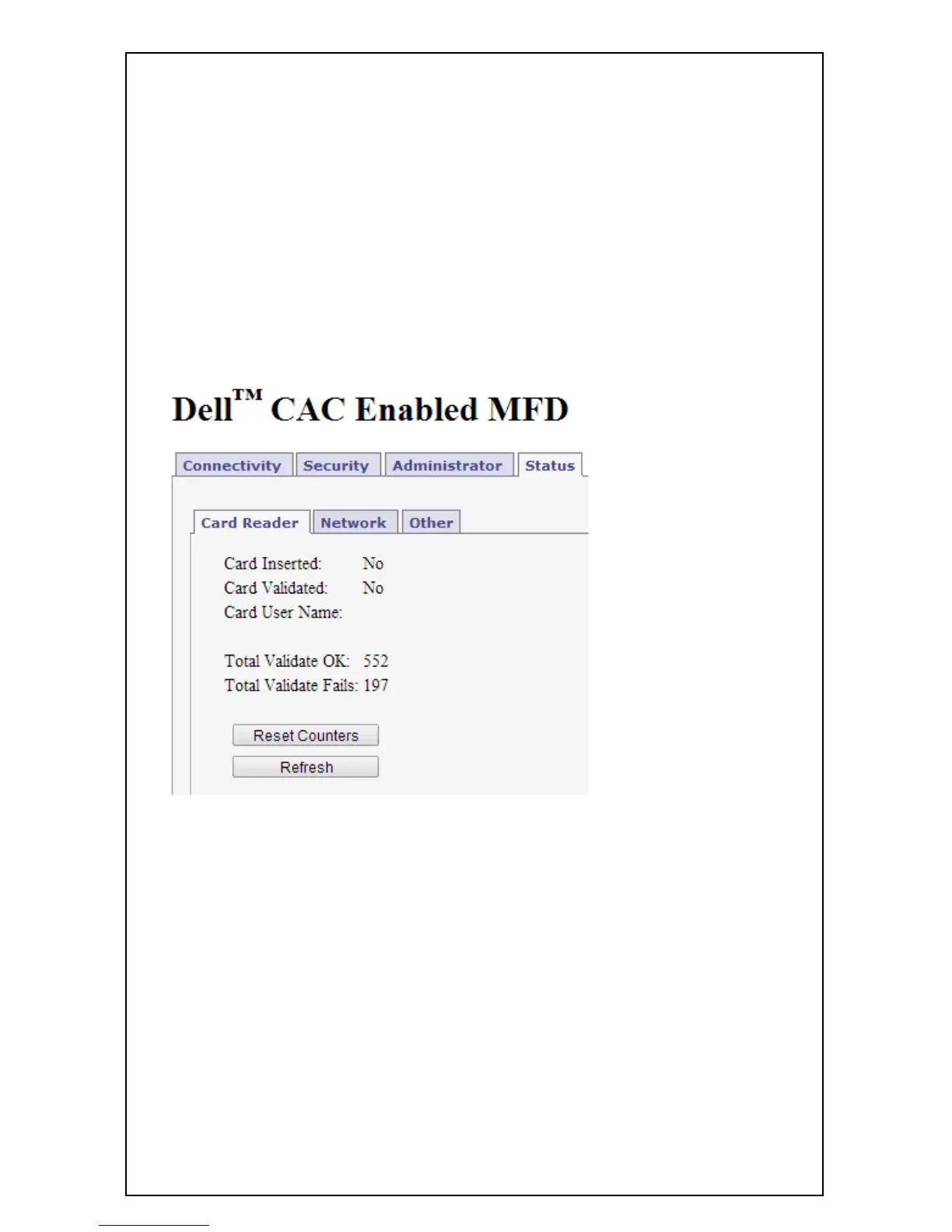
The Status pages offer three views of information about the current
operations of CACStar. Number of successful card validations,
number of unsuccessful card validations, network operations,
date/time, and firmware version are all displayed.
Card Reader



 To Next Page
 Loading...










