CACStar User Guide Rev A27
Copyright 2017 Digital Imaging Technology Page 9
Accessing the MFD/Printer Web Site
If you wish to access the MFD/printer web site, go to the same URL
but do not use port 8443. For example: http://192.168.1.23
or
https://192.168.1.23
Admin Login
Login to CACStar as the Administrator by pointing your browser to
the CACStar using a secure connection on port 8443 at the IP address
you assigned in the steps above.
For example: https://192.168.1.23:8443 or https://10.5.9.11:8443
You are likely to get an Invalid Certificate Warning from the browser.
If so, override the warning and continue to the CACStar web site.
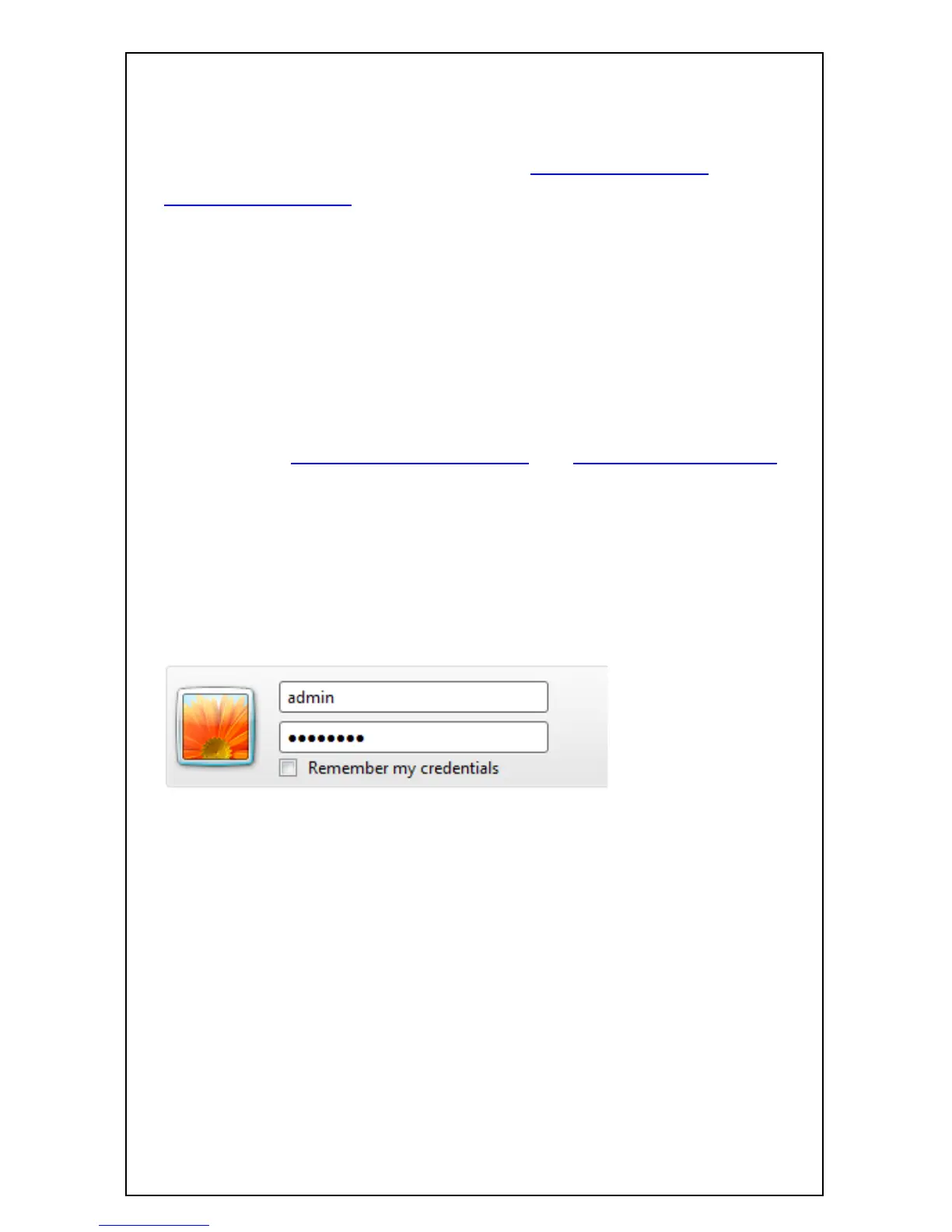
The browser will require an ID and password. The default ID is
“admin”. The default password is “password”.
After initial login, you can change the password to one of your choice
by going to the Administrator tab.


 To Next Page
 Loading...











