About your monitor │ 13
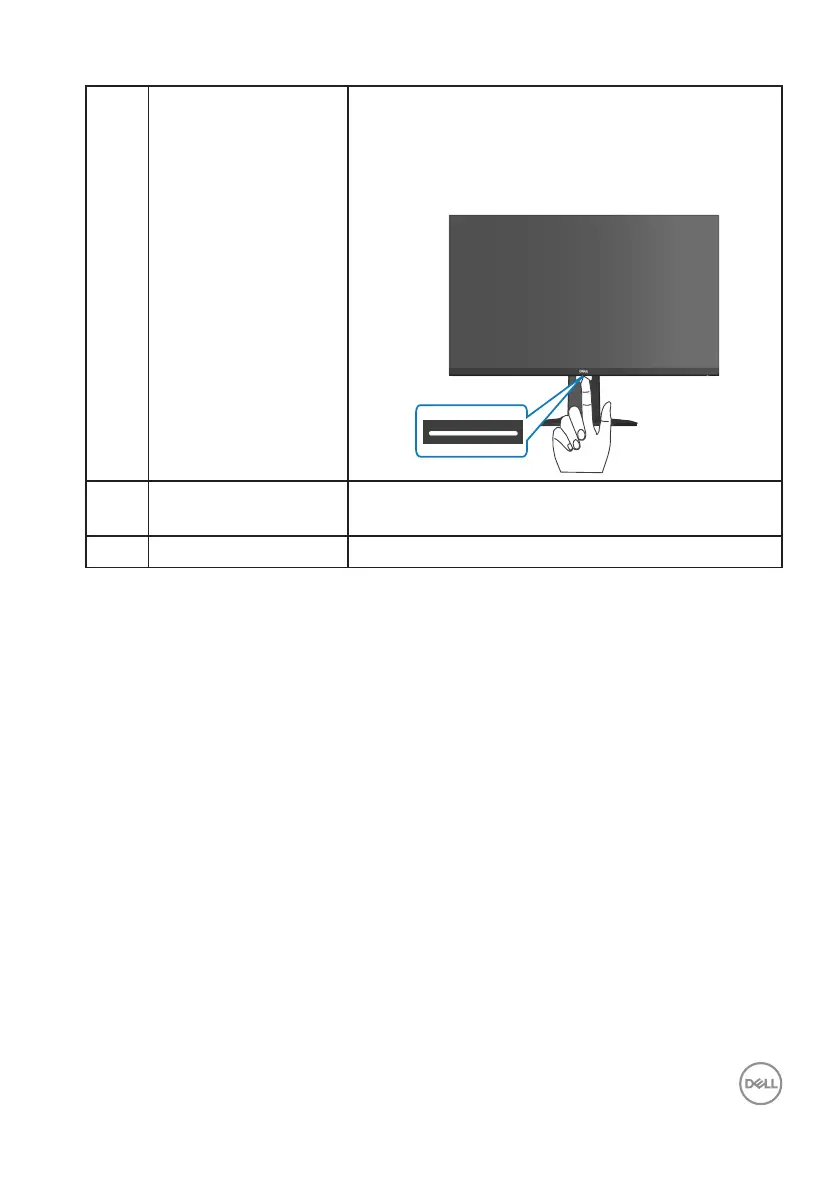
6 Downlights When the monitor is completely set up, tap the
touch sensor to turn the downlights on or off.
The factory setting is on, so the downlights are
active if the power cable is connected
7 DisplayPort 1.2 Connect to your computer using a DisplayPort
cable.
8 Headphone out port Connect to a headphone.



 To Next Page