10 │ About your monitor
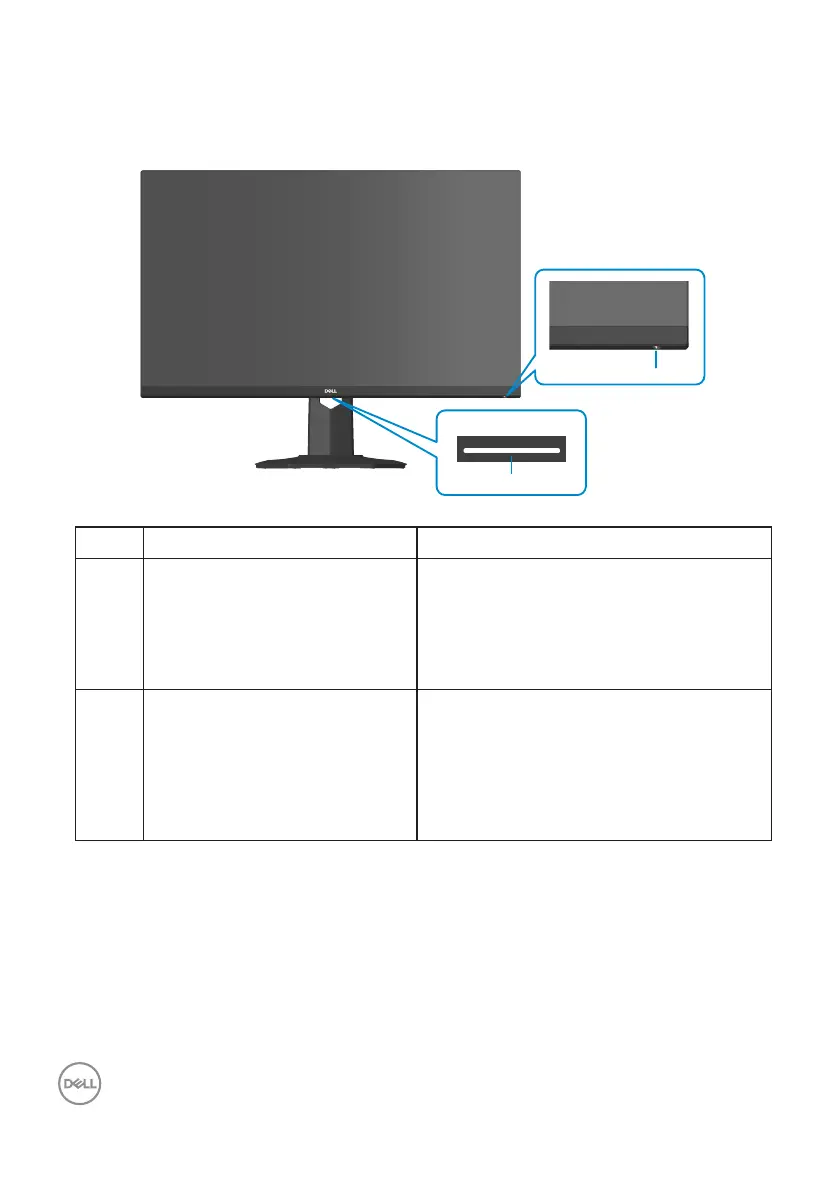
Identifying parts and controls
Front view
1
2
Label Description Use
1 Power On/Off button
(with power-status light)
To turn the monitor on or off.
Solid white light indicates that the
monitor is turned on and functioning
normally. Blinking white light indicates
that the monitor is in Standby Mode.
2 Downlights When the monitor is completely set
up, tap the touch sensor to turn the
downlights on or off. (see Downlights).
This feature can be activated or
deactivated via the OSD (see
Downlight).



 To Next Page