Operating your monitor │ 41
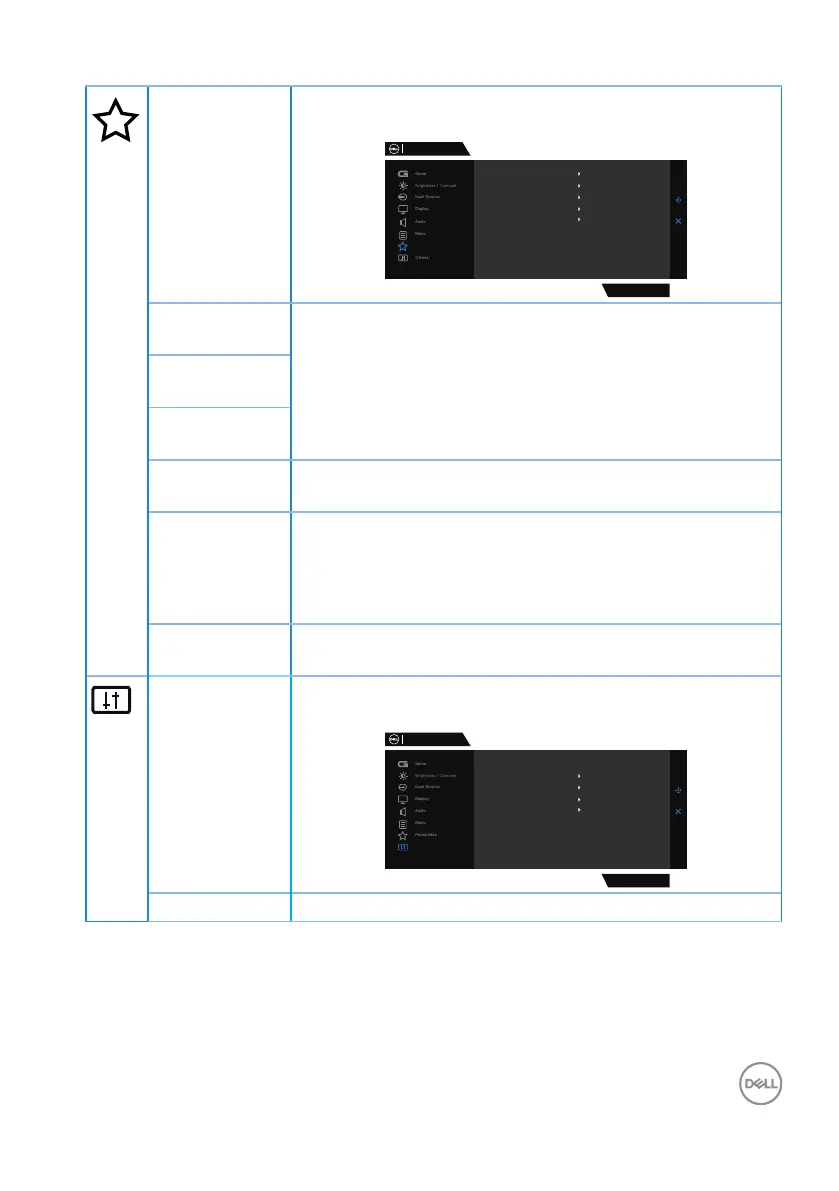
Personalize Select this option to adjust the settings of the personali-
zation.
Dell 32 Gaming Monitor
S3222DGM
Personalize
Shortcut Key 1
Shortcut Key 2
Shortcut Key 3
Power Button LED
Preset Modes
Game Enhance Mode
Input Source
On in On Mode
Downlight
Reset Personalization
On
Shortcut Key
1
Select from Preset Modes, Game Enhance Mode, AMD
FreeSync Premium, Dark Stabilizer, Brightness/Contrast,
Input Source, Aspect Ratio, Volume set as shortcut key.
Shortcut Key
2
Shortcut Key
3
Power Button
LED
Allows you to set the state of the power light to save
energy.
Downlight Allows you to turn on or turn off lights on the bottom of
the monitor.
When the downlights are on, they light up blue.
To turn off the touch sensor, select Off.
Reset Per-
sonalization
Resets all settings under the Personalize menu to the-
factory preset values.
Others Change the OSD settings, such as the DDC/CI, LCD
conditioning, and so on.
Dell 32 Gaming Monitor
S3222DGM
Display Info
DDC/CI
LCD Conditioning
Firmware
On
Off
XXXXXX
XXXXXXX
Service Tag
Reset Others
Factory Reset
Others
Display Info Display the monitor’s current settings.



 To Next Page