Dell Secure Mobile Access 6200/7200 Getting Started Guide
30
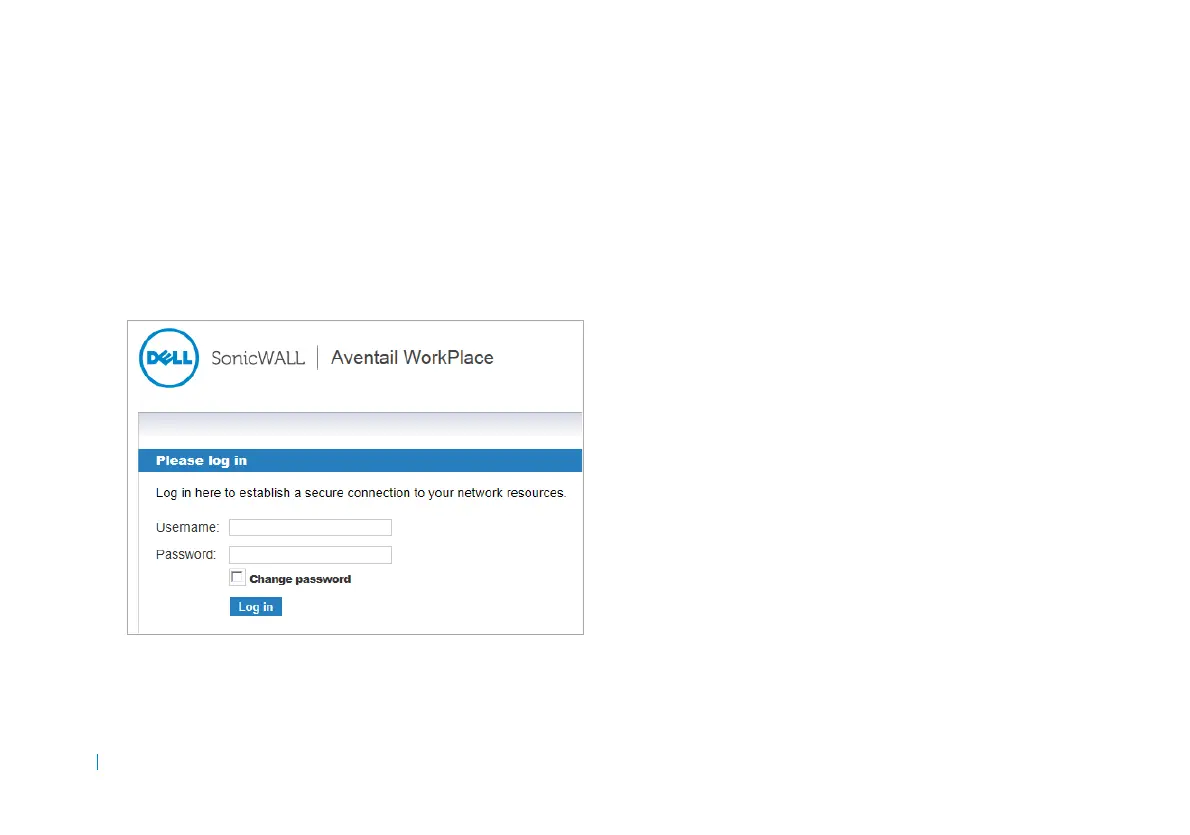
Logging into the WorkPlace portal
After the appliance finishes applying the changes, you can log
into the WorkPlace portal using the local user credentials.
To log in as the local user:
1 Point your browser to https://<IP address> where
<IP address> matches the address you defined for
the internal or external network interface. The default
internal IP address is 192.168.0.10.
2 In the portal login screen, enter the username and
password for the local user.
3Click Login.











 To Next Page