Dell Secure Mobile Access 6200/7200 Getting Started Guide
33
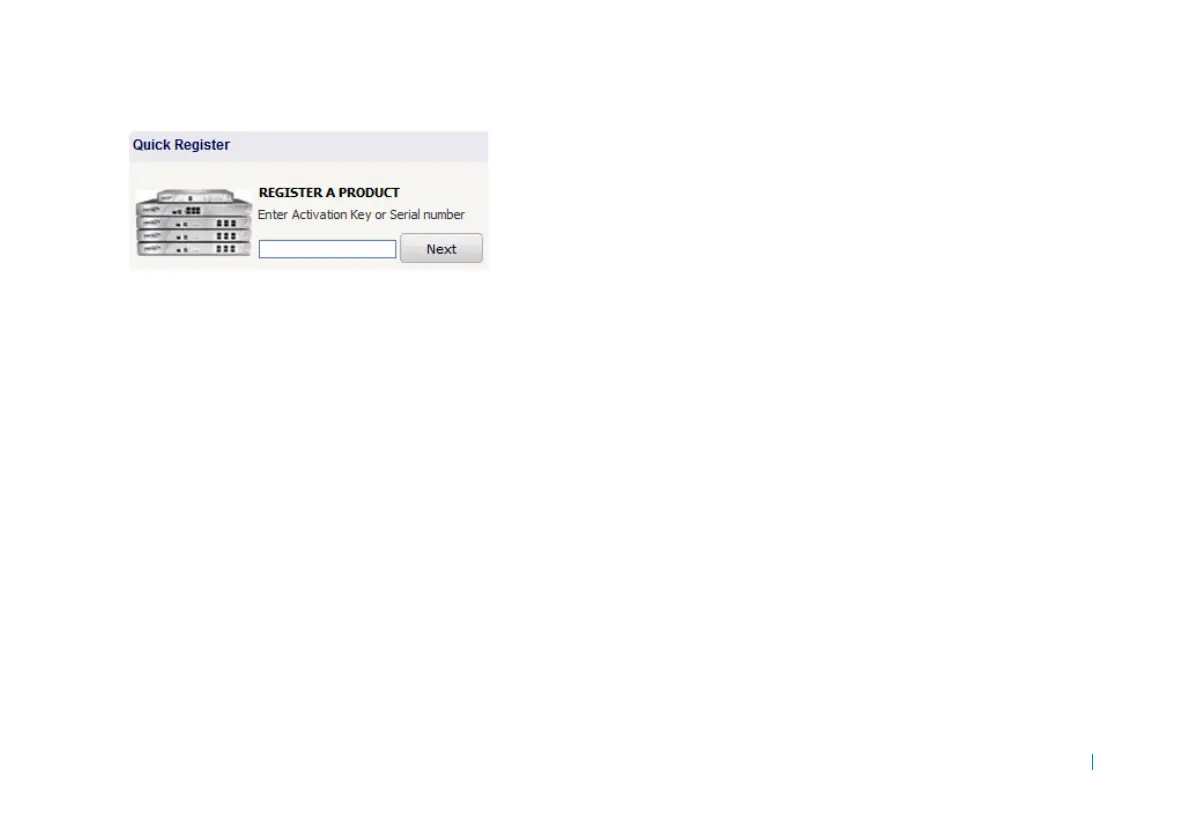
3 Enter the appliance serial number into the Register A
Product field and then click Next.
4 Enter a friendly name for this appliance.
5Click Register to continue, and follow the online
prompts to fill out the survey and complete the
registration process.
Continue with the next section to download the appliance
license file from MySonicWALL.
Downloading your license file
You can download an initial user license from MySonicWALL
that is valid for one user (the administrator plus one end user)
for an unlimited number of days. You can use this limited
license until ready to deploy the appliance to production with
full licensing.
To become familiar with the AMC and test it in your
environment with additional users, request a lab license.
To retrieve the license file for your appliance, perform the
following steps:
1 In your Web browser, go to
https://www.mysonicwall.com and log in with your
username and password.
2Click My Products to view the list of your registered
appliances.
3 Click the link for the appliance that requires a license.
4 On the Service Management page, click the Click here
for the License File link.
5 In the View License dialog box, select 10.5 or later
(Base) in the drop-down list, and then click the Click
here for the License File link.
6 Select the option to save the license file, or copy the
license text to your clipboard and save it as an XML file
(.xml) on your computer. You must import this license
file using AMC.
Importing your licenses
The SMA appliance uses a few different types of licenses. All
license files must be retrieved from www.MySonicwall.com
and imported to the appliance, as follows:
• Administration test license: To begin setting up your
SMA appliance, log in to MySonicwall to retrieve your











 To Next Page