Quick Reference Guide 23
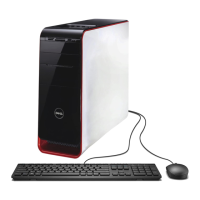
Desktop Computer
CAUTION: Before you begin any of the procedures in this section, follow the safety instructions in the
Product Information Guide.
CAUTION: To avoid electrical shock, always unplug your computer from the electrical outlet before removing the
computer cover.
NOTICE: Be careful when opening the computer cover to ensure that you do not accidentally disconnect cables
from the system board.
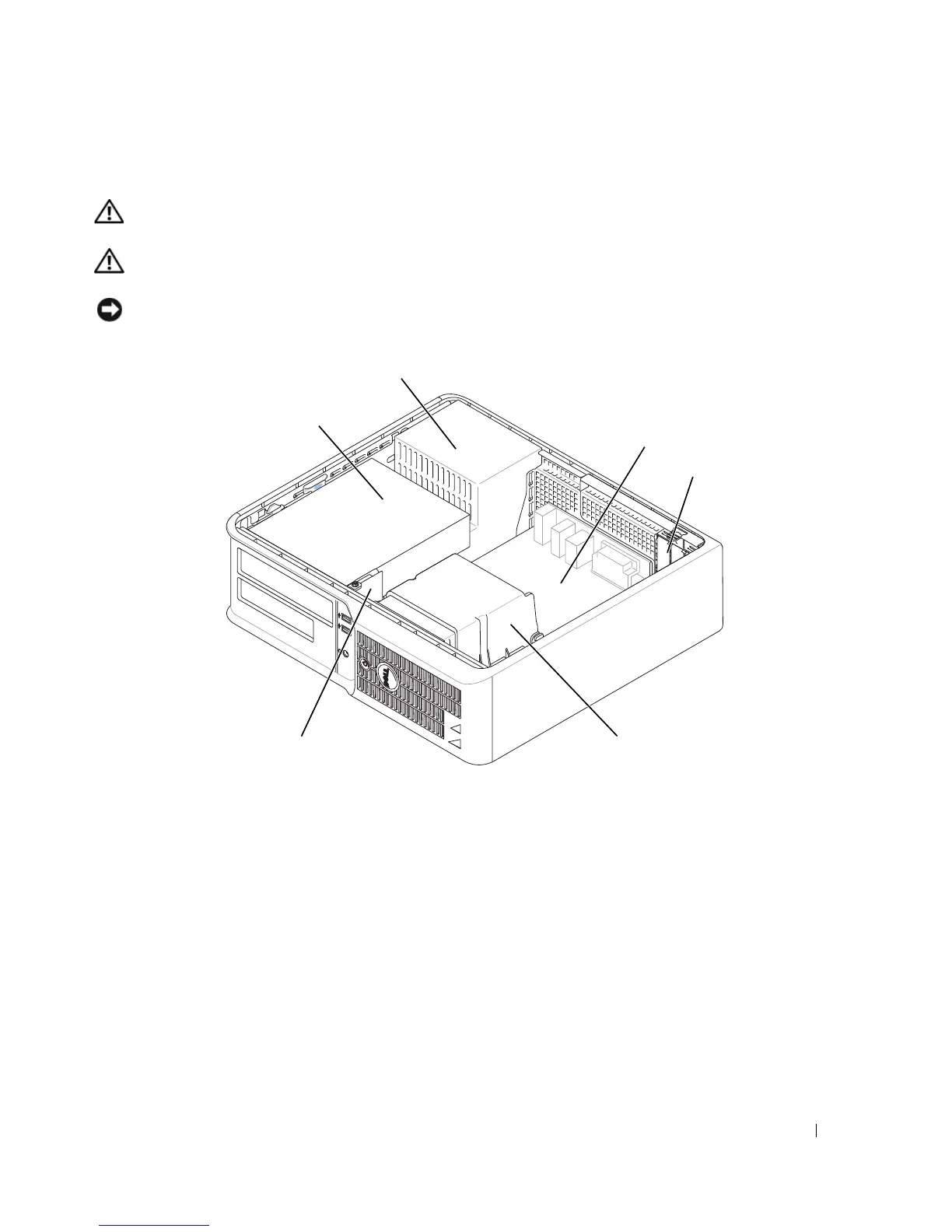
1 drive bay (CD/DVD, floppy,
and hard drive)
4 card slots
2 power supply 5 heat sink assembly
3 system board 6 front I/O panel
1
2
3
4
5
6






 To Next Page