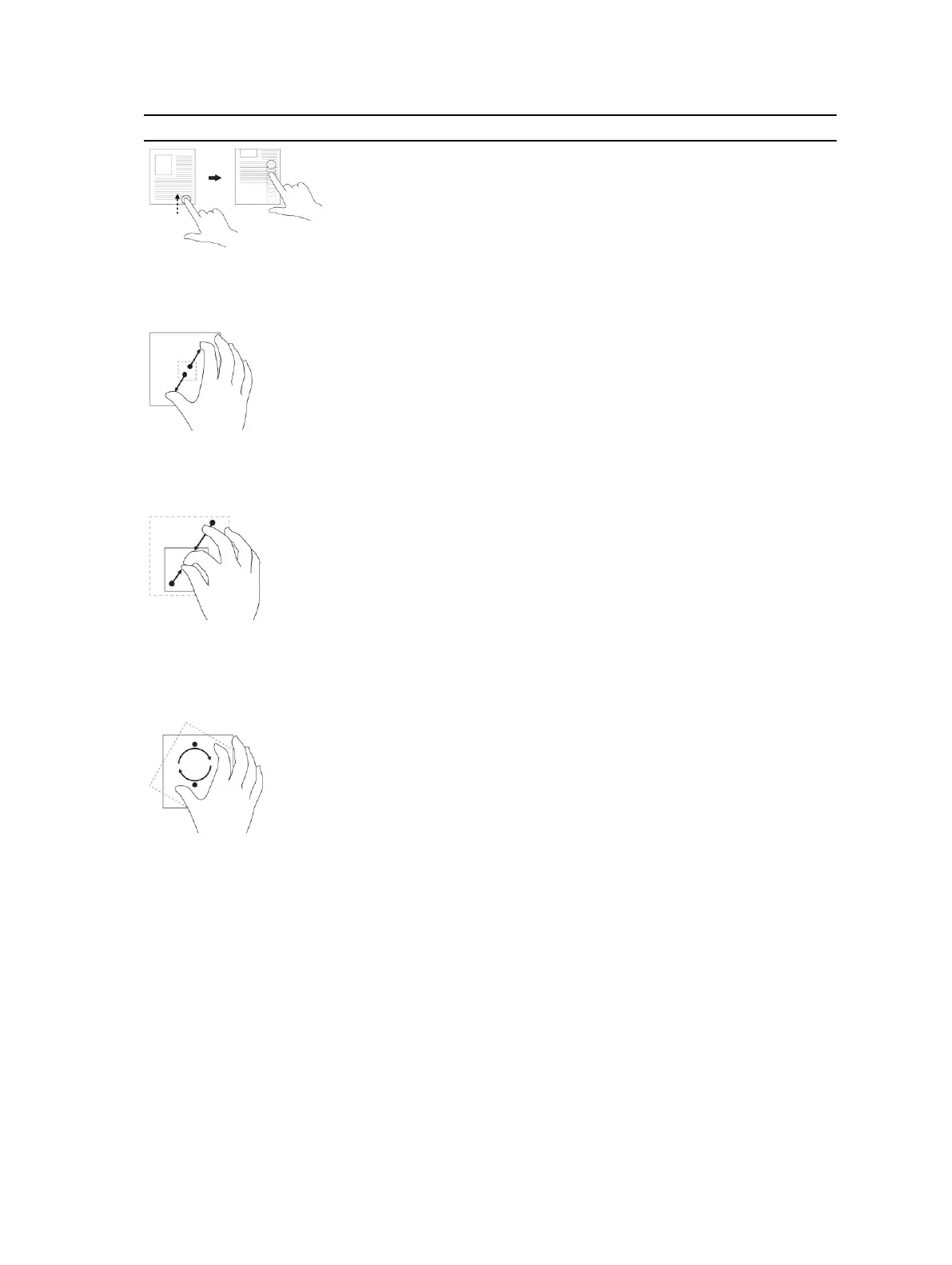
Gesture Actions Functions
Zoom in
Touch the display with two fingers and then
move the fingers apart
Enlarge the view of an image or web page
Zoom out
Touch the display with two fingers and then
move the fingers closer
Reduce the view of an image or web page
Rotate
Touch the display with two or more fingers and
then move the fingers in a clockwise or counter-
clockwise arc
Rotate an object by 90 degrees
Right-Click
To perform a right-click in your tablet, Touch and Hold your finger for 2 seconds on any section of the
screen or an icon and then release your finger.
The options menu appears on the screen.
The Windows Start Screen
The Windows Start screen displays a list of default and custom Live Tiles, which act as a shortcut to
Control Panel, Windows Explorer, Weather application, RSS, Windows Store, Internet Explorer, and other
installed applications.
15



 To Next Page