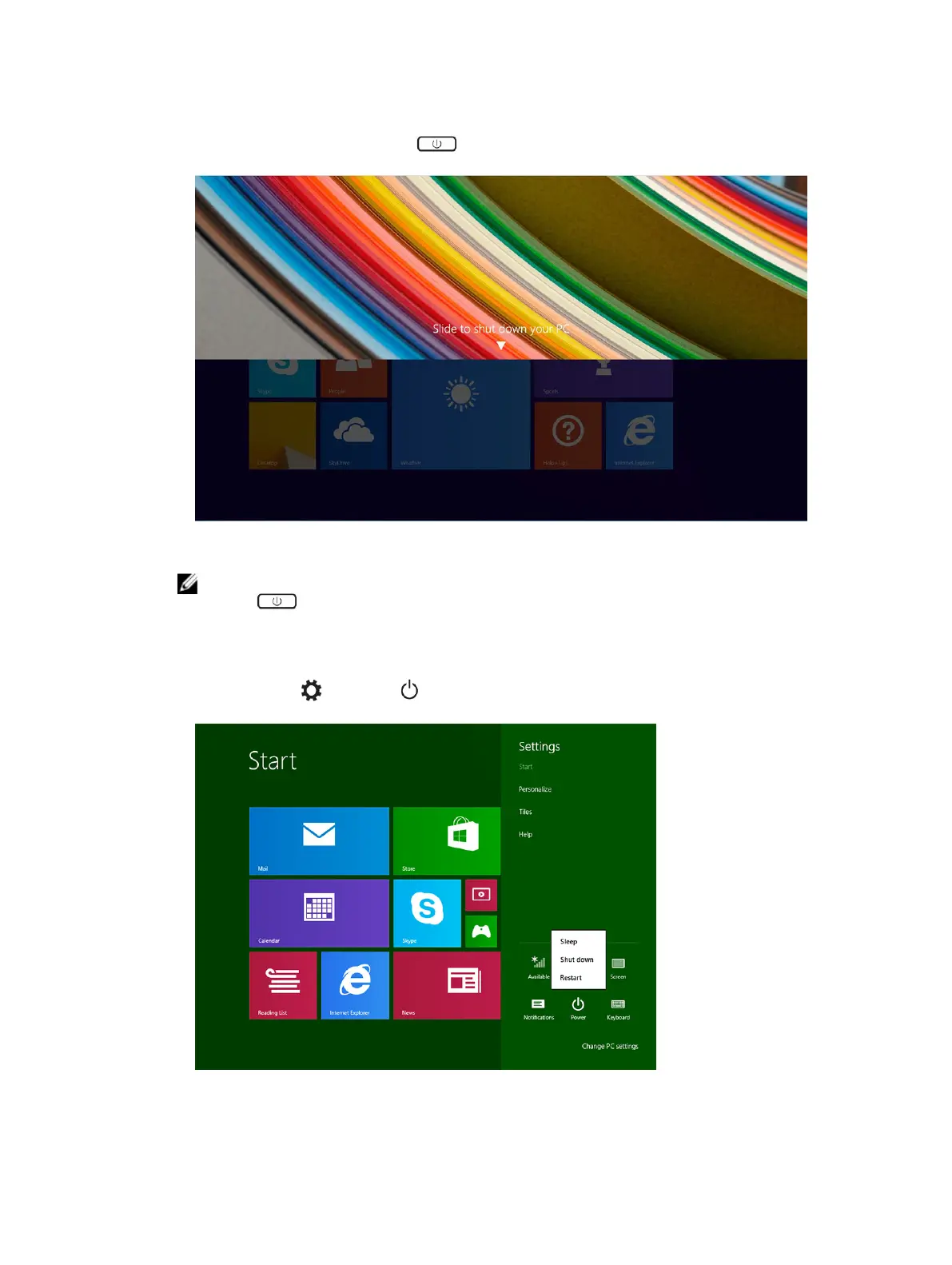
1. To turn off your tablet using power button:
a) Press and hold the Power button until you see “Slide to shut down your PC” on the screen.
b) Slide to shut down your tablet.
NOTE: You can also turn off your tablet without sliding down the screen. Press and hold the
Power button for >10 seconds to turn off your tablet. You can perform this force
shutdown, if your tablet is not responding / behaving unexpectedly or touch is not working.
2. To turn off your tablet using the charms menu:
a) Swipe from the right edge of the display to access the Charms menu.
b) Touch Settings —> Power —> Shut down to turn off the tablet.
8



 To Next Page