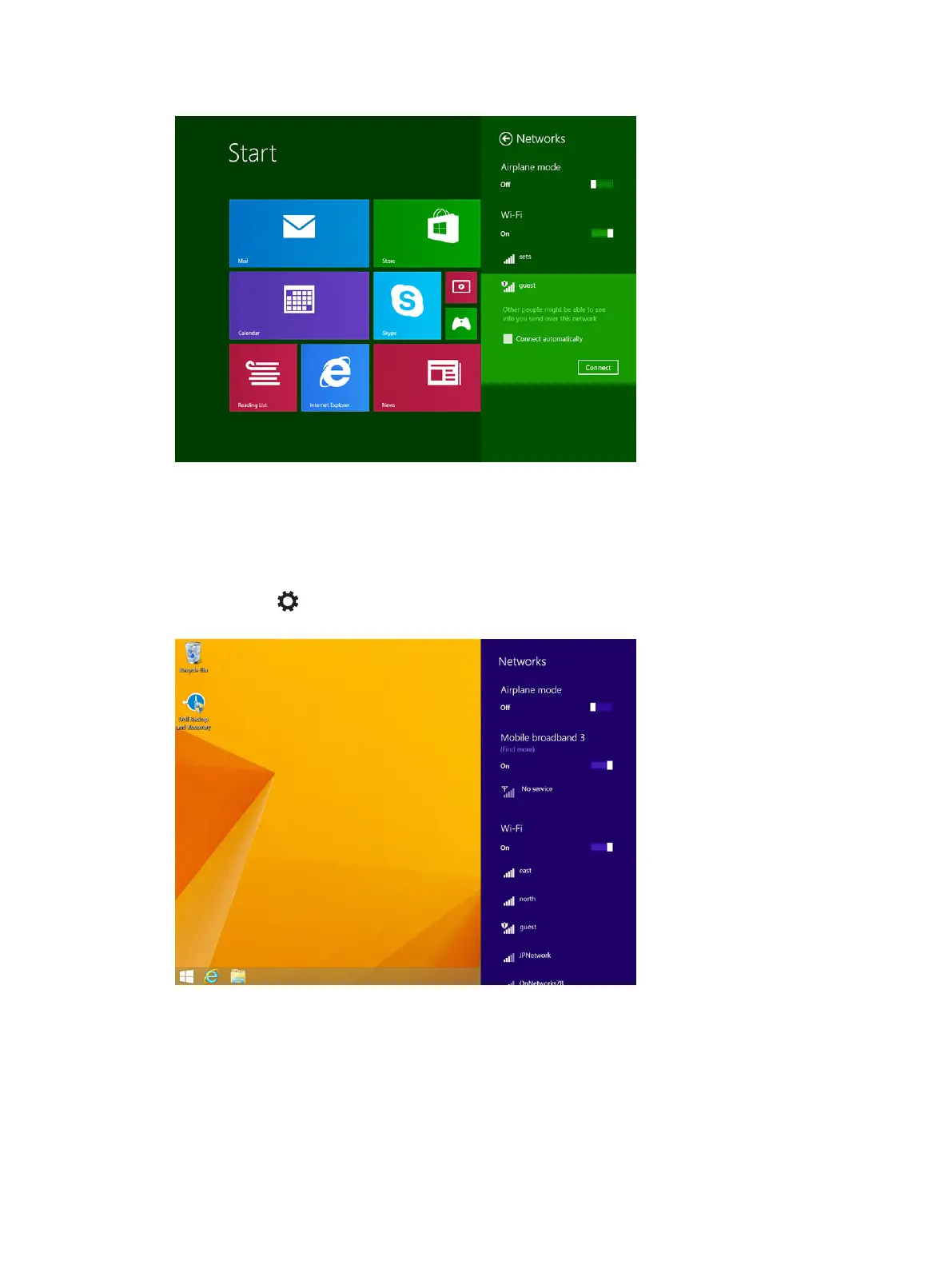
Mobile broadband setting
Turning On/Off mobile broadband
1. Swipe from the right edge of the display to access the Charms bar.
2. Touch Settings →Change PC settings → Networks → Airplane mode.
3. Swipe Mobile broadband icon left or right to turn mobile broadband on or off.
Connecting to a mobile broadband network
1. Ensure an active SIM card is inserted into the tablet.
2. Swipe from the right edge of the display to access the Charms bar.
22



 To Next Page