Operating the Monitor | 49
Activate the computer and wake up the monitor to gain access to the
OSD
.
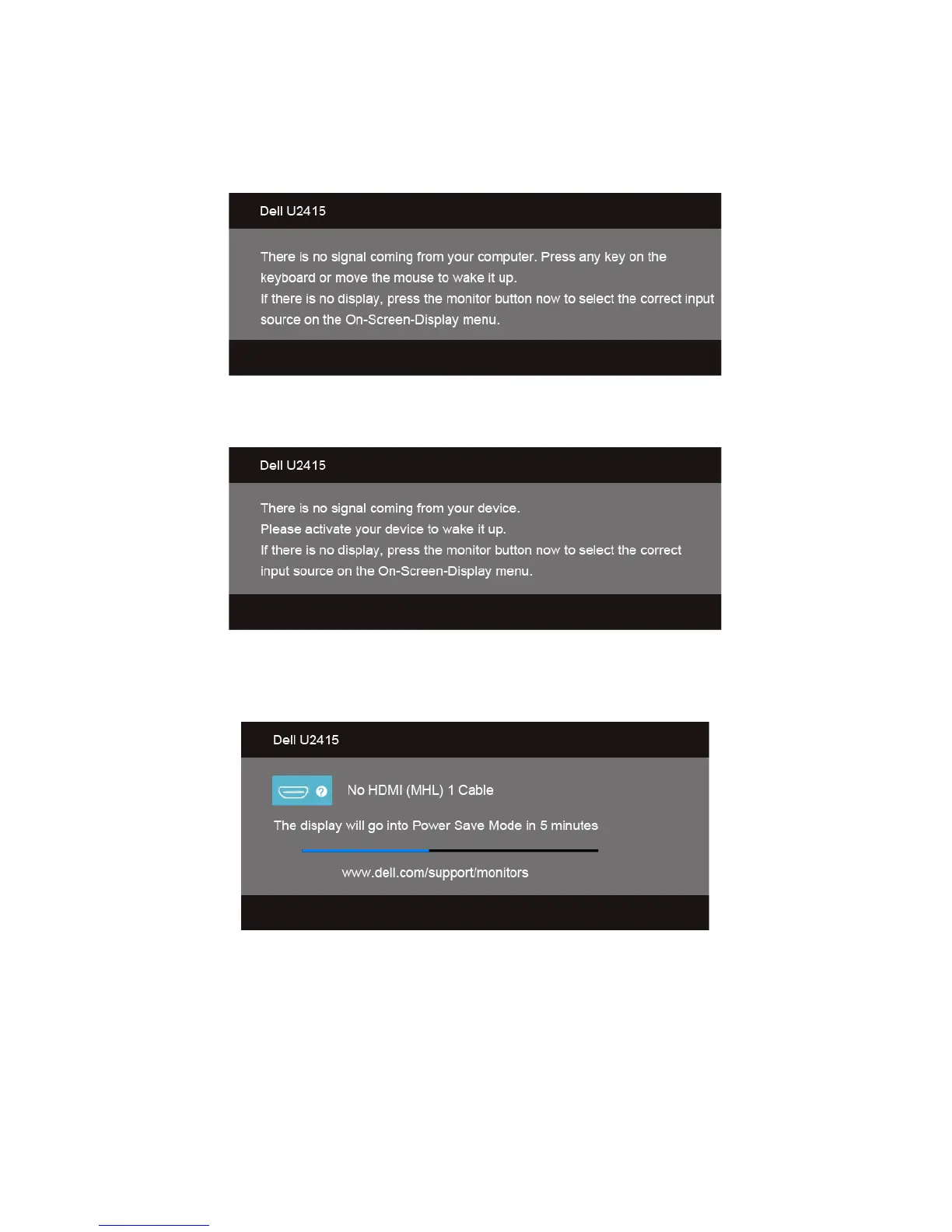
If you press any button other than the power button, one of the following messages will
appear depending on the selected input:
HDMI (MHL)/Mini DisplayPort/DP input
HDMI (MHL) input
If either HDMI (MHL), Mini DisplayPort, or DP input is selected and the corresponding
cable is not connected, a floating dialog box as shown below appears.
or









 To Next Page