Back to Contents Page
Operating the Monitor
Dell™ U3014 Flat Panel Monitor User's Guide
Power On the Monitor
Using the Front Panel Controls
Using the On-Screen Display (OSD) Menu
Setting the Maximum Resolution
Using the Dell Soundbar AX510/AX510PA only (Optional)
Using the Tilt, Swivel, and Vertical Extension
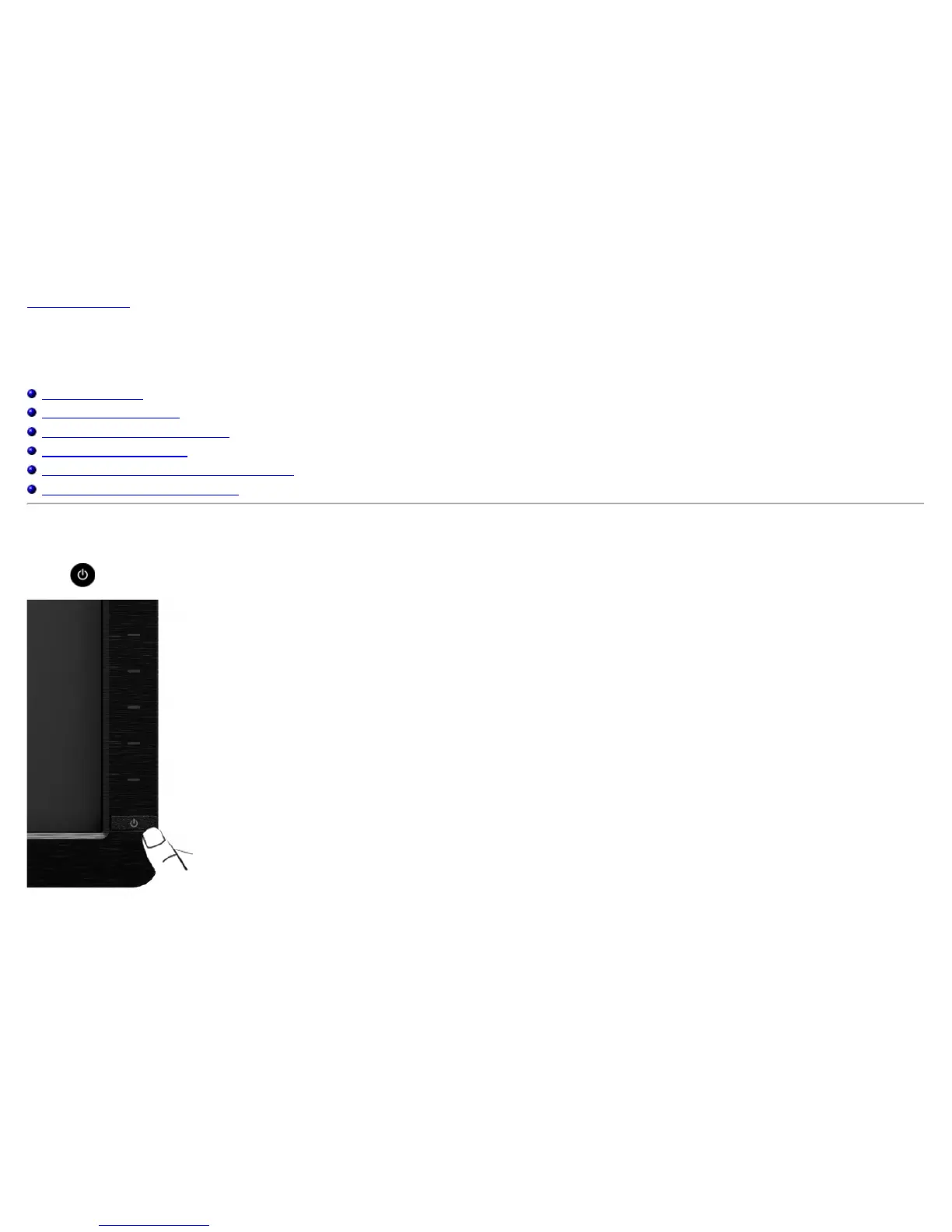
Power On the Monitor
Press the button to turn On the monitor












 To Next Page