Setting up your headset │ 15
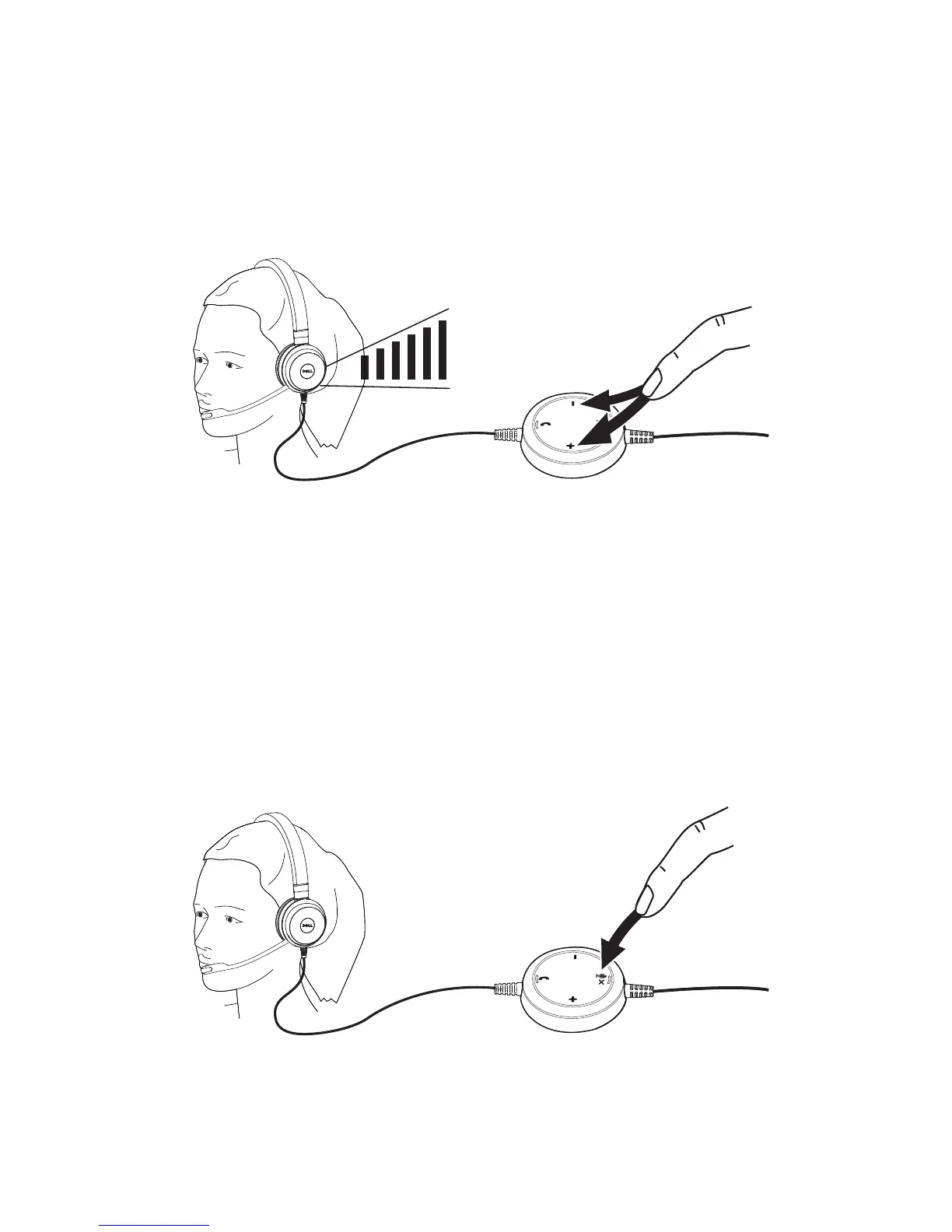
Adjusting the volume
Use the + and – button located at the center of the call control unit to adjust
the volume. Press + to increase the volume level and – to decrease the volume
as shown below.
Muting/unmuting a call
Press the mute button to mute and unmute the microphone as shown below.
Whenever the microphone is muted, a red LED glows indicating that the
microphone is muted, and whenever the microphone is unmuted, the red LED
stops.



 To Next Page