Setting Up Your Headset │ 15
Answering/Ending a Call
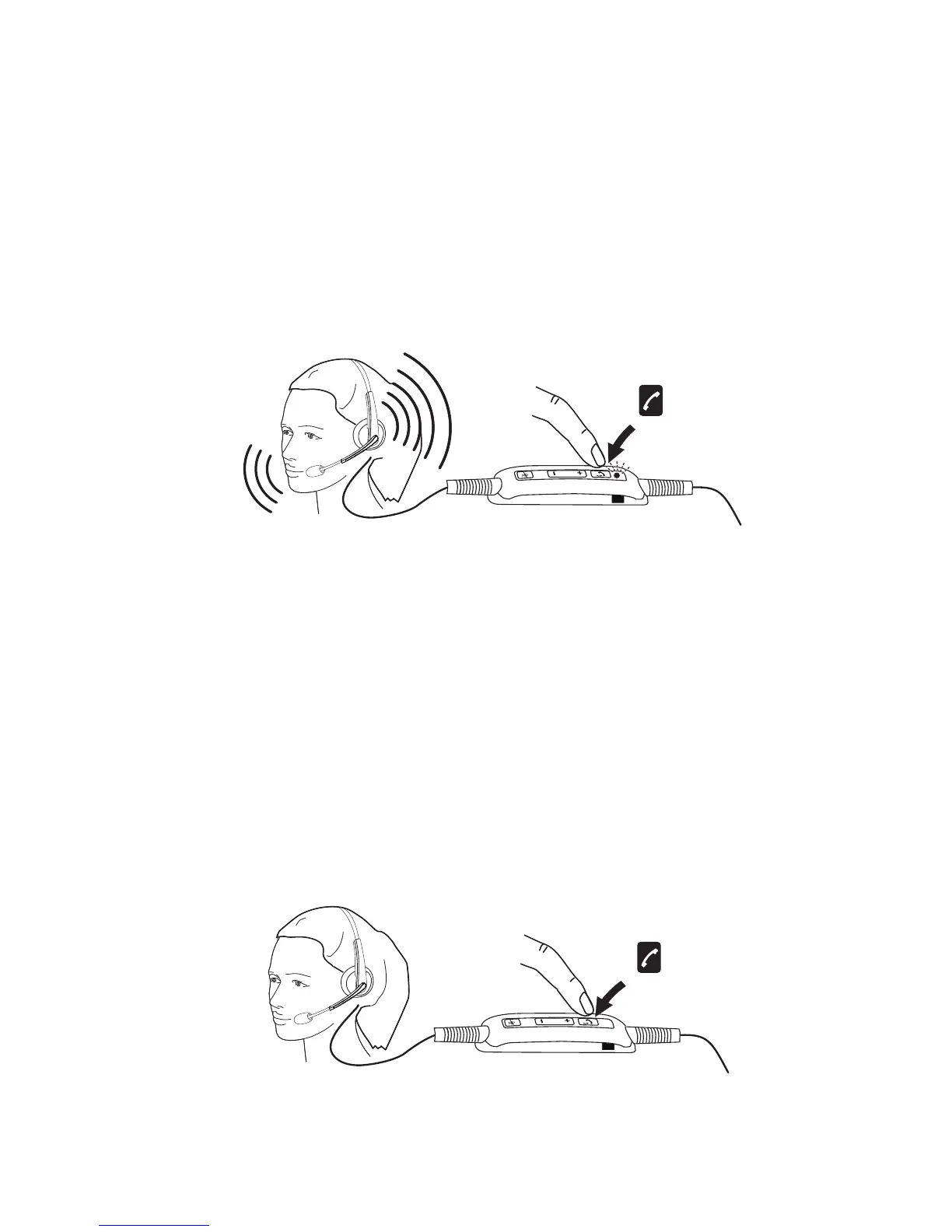
Answer an Incoming Call on the Computer
You will be able to hear the ringtone on the headset on an incoming call
from the soft phone. Answer the call by doing one of the following:
1. Accept the call on the softphone.
2. Press the “Phone” button on the headset as shown below.
Please note that the LED on top of the “Phone” button glows green during
an ongoing call on the headset.
End an Incoming Call on the Computer
Perform one of the following actions to terminate the call:
1. Press the end-call button on your Softphone.
2. Press the “Phone” button on the headset as shown below.



 To Next Page