Back to Contents Page
Processor
Dell™Vostro™3300ServiceManual
Removing the Processor
1. Follow the procedures in Before Working Inside Your Computer.
2. Remove the battery.
3. Remove the base cover.
4. Remove the hard drive.
5. Remove the optical drive.
6. Remove the wireless local area network (WLAN) card.
7. Remove the keyboard.
8. Remove the wireless wide area network (WWAN) card.
9. Remove the palm rest.
10. Remove the system board.
11. Remove the heat sink and fan assembly.
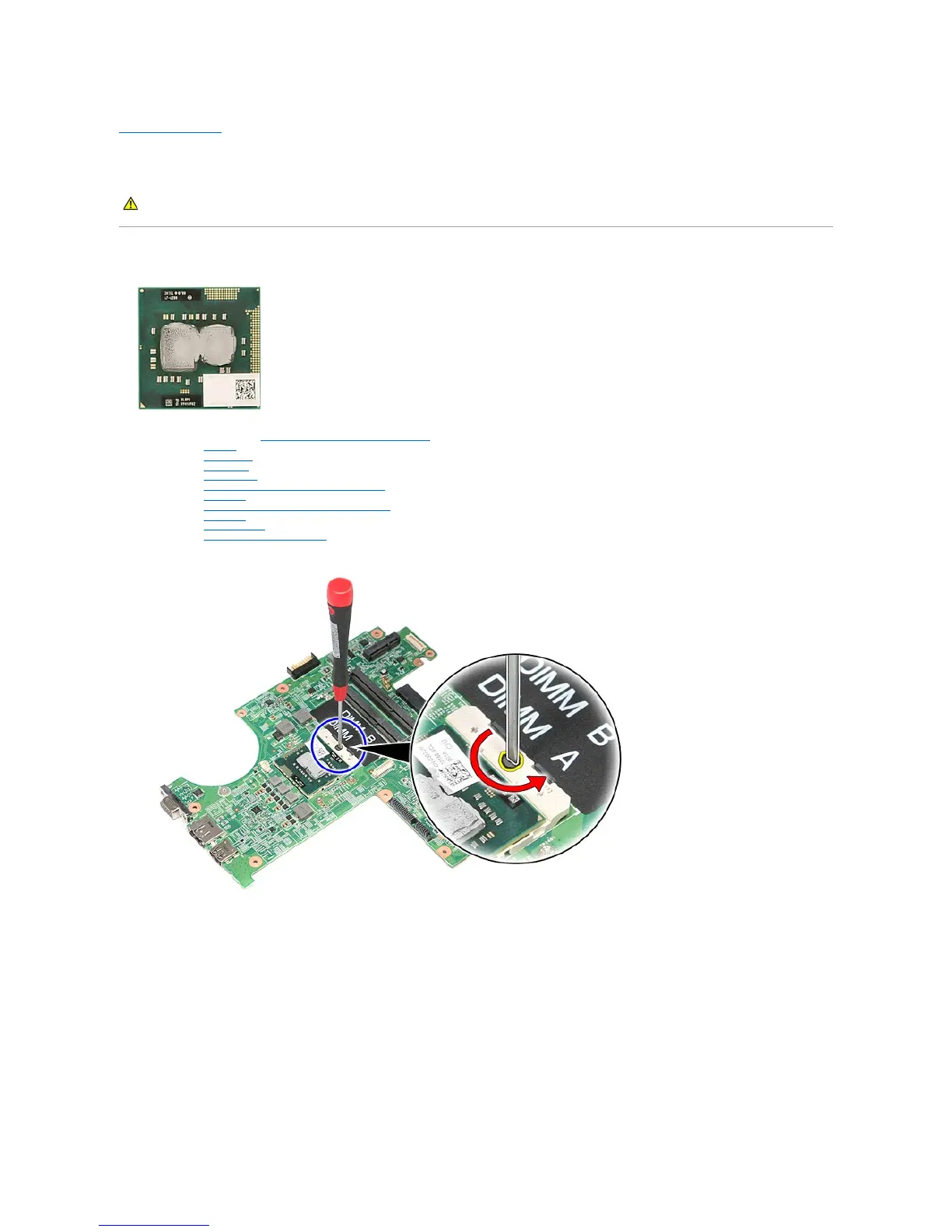
12. Using a flat-blade screwdriver, rotate the cam screw counterclockwise to release the processor from its socket on the system board.
13. Lift the processor up and away from the system board.
WARNING: Before working inside your computer, read the safety information that shipped with your computer. For additional safety best
practices information, see the Regulatory Compliance Homepage at www.dell.com/regulatory_compliance.



 To Next Page