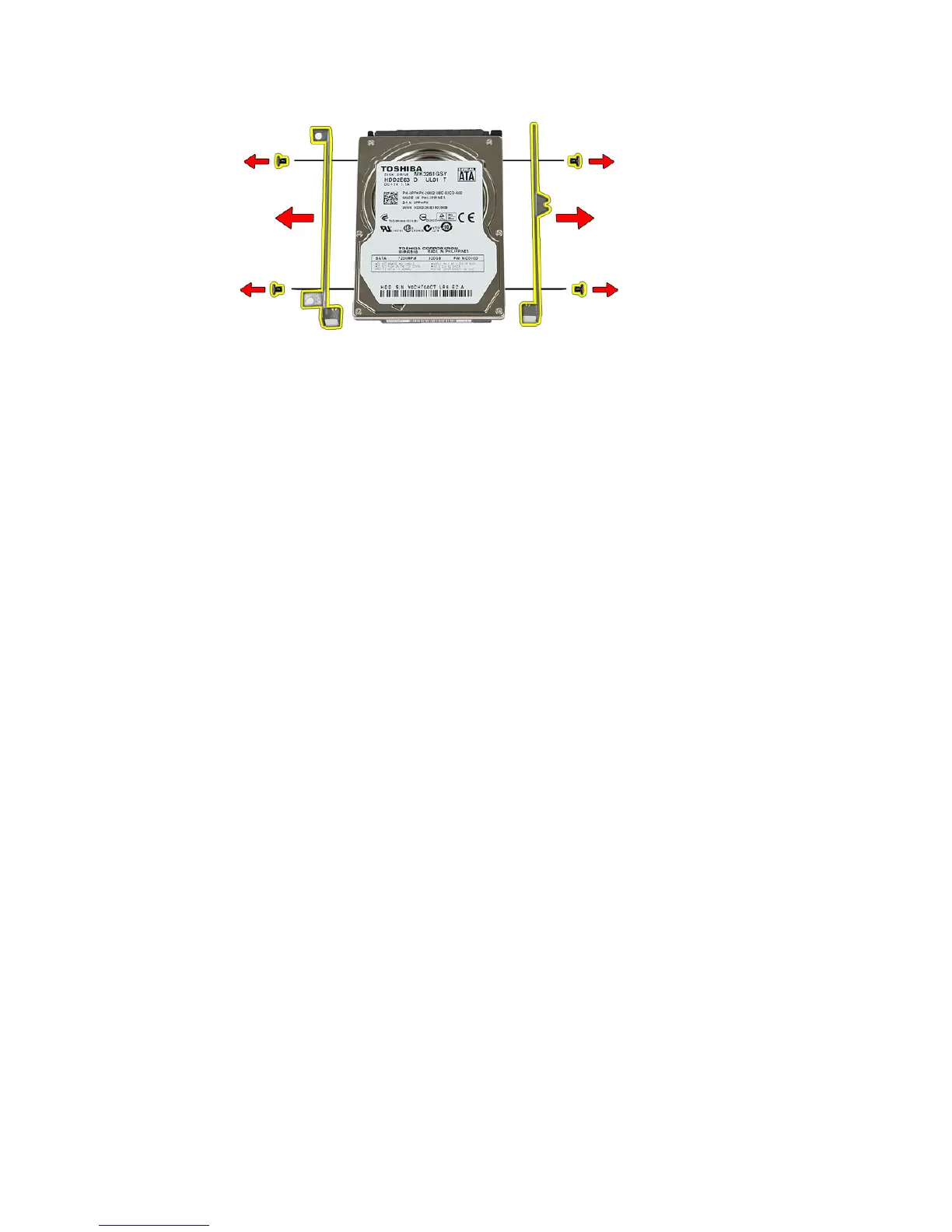
Installing The Hard Drive
1. Replace the screws to secure the hard-drive bracket to the hard drive.
2. Place the hard drive on the chassis.
3. Replace the screws to secure the hard drive to the system.
4. Install the
access panel
.
5. Install the
battery
.
6. Follow the procedures in
After Working Inside Your Computer
.
26



 To Next Page