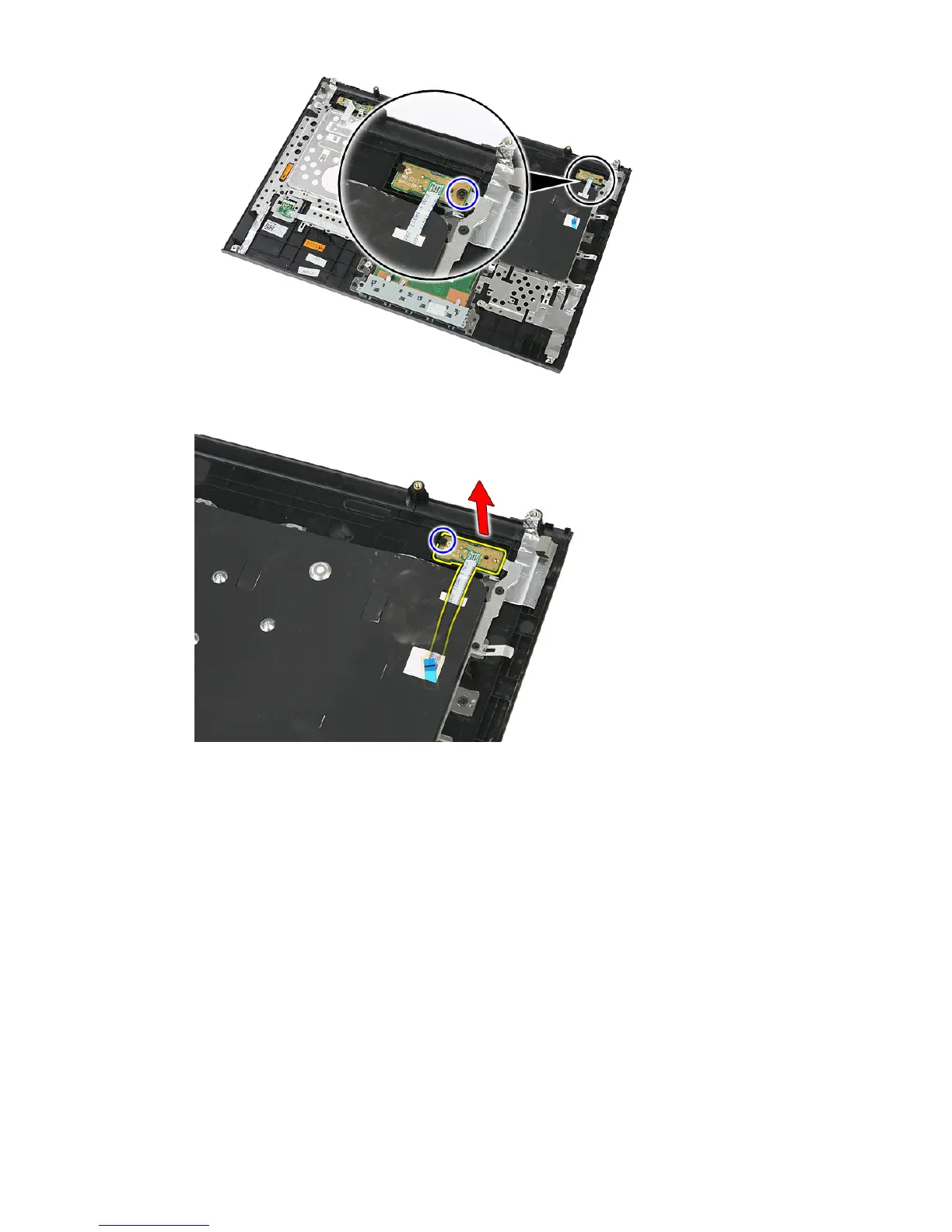
8. Pry the latch to release the power-button board; then lift up and remove.
Installing The Power-Button Board
1. Install the power-button board.
2. Secure the latch of the power-button board.
3. Replace the screw to secure the power-button board.
4. Install the
palm rest
.
5. Install the
keyboard
.
6. Install the
access panel
.
7. Install the
battery
.
8. Follow the procedures in
After Working Inside Your Computer
.
58



 To Next Page