Display Brackets and Hinges 26
Removing The Display Brackets, Hinges And Panel
1. Follow the procedures in
Before Working On Your Computer
.
2. Remove the
battery
.
3. Remove the
memory card
.
4. Remove the
access panel
.
5. Remove the
WLAN card
.
6. Remove the
hard drive
.
7. Remove the
keyboard
.
8. Remove the
WWAN card
.
9. Remove the
palm rest
.
10. Remove the
display assembly
.
11. Remove the
display bezel
.
12. Remove the
display camera
.
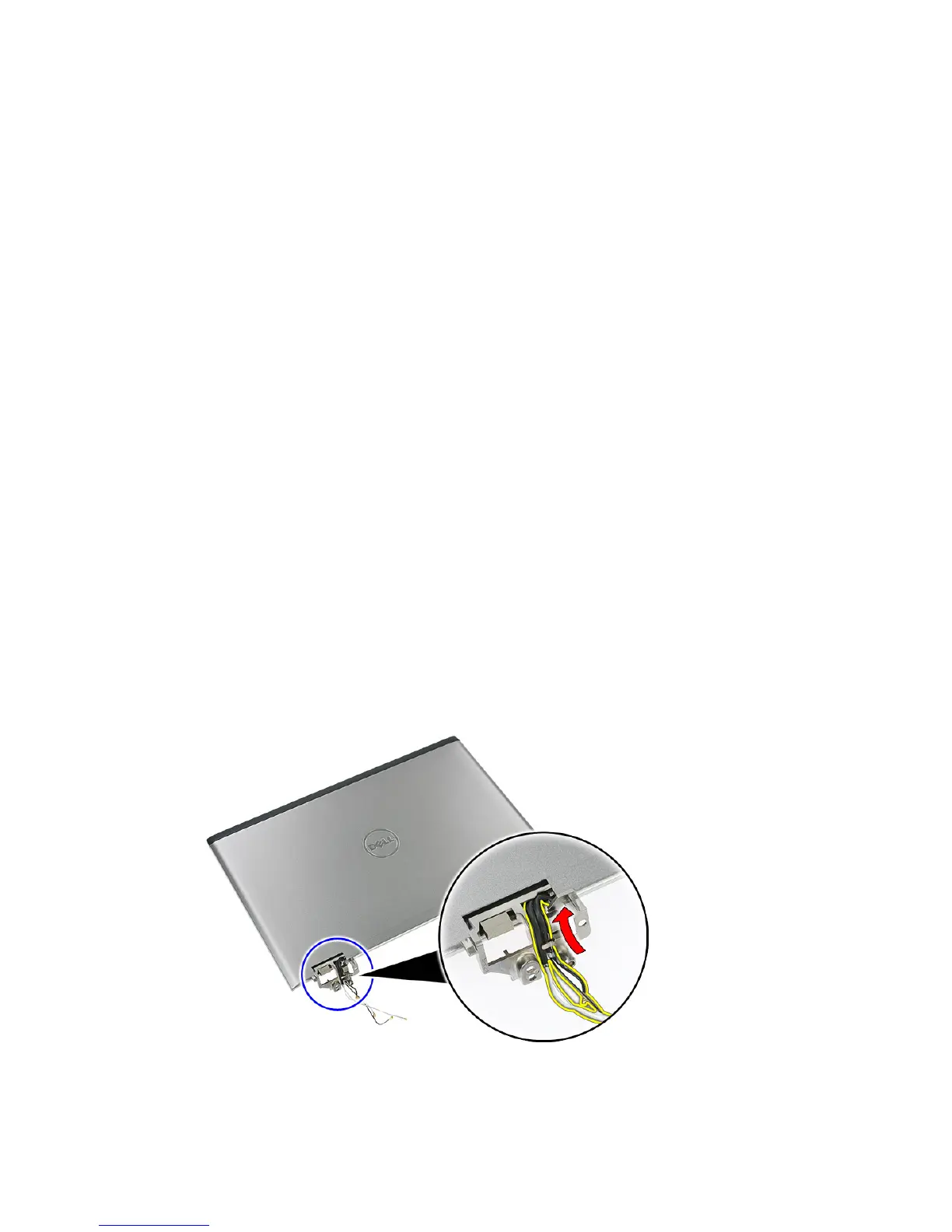
13. Release the antenna cables from the right hinge.
14. Remove the screws that secure the display brackets and hinges to the
display assembly.
79



 To Next Page