EasyManua.ls Logo

Dell Vostro 3555 - Installing the Processor

Dell Vostro 3555
116 pages
Print Icon
To Next Page IconTo Next Page
To Previous Page IconTo Previous Page
Loading...
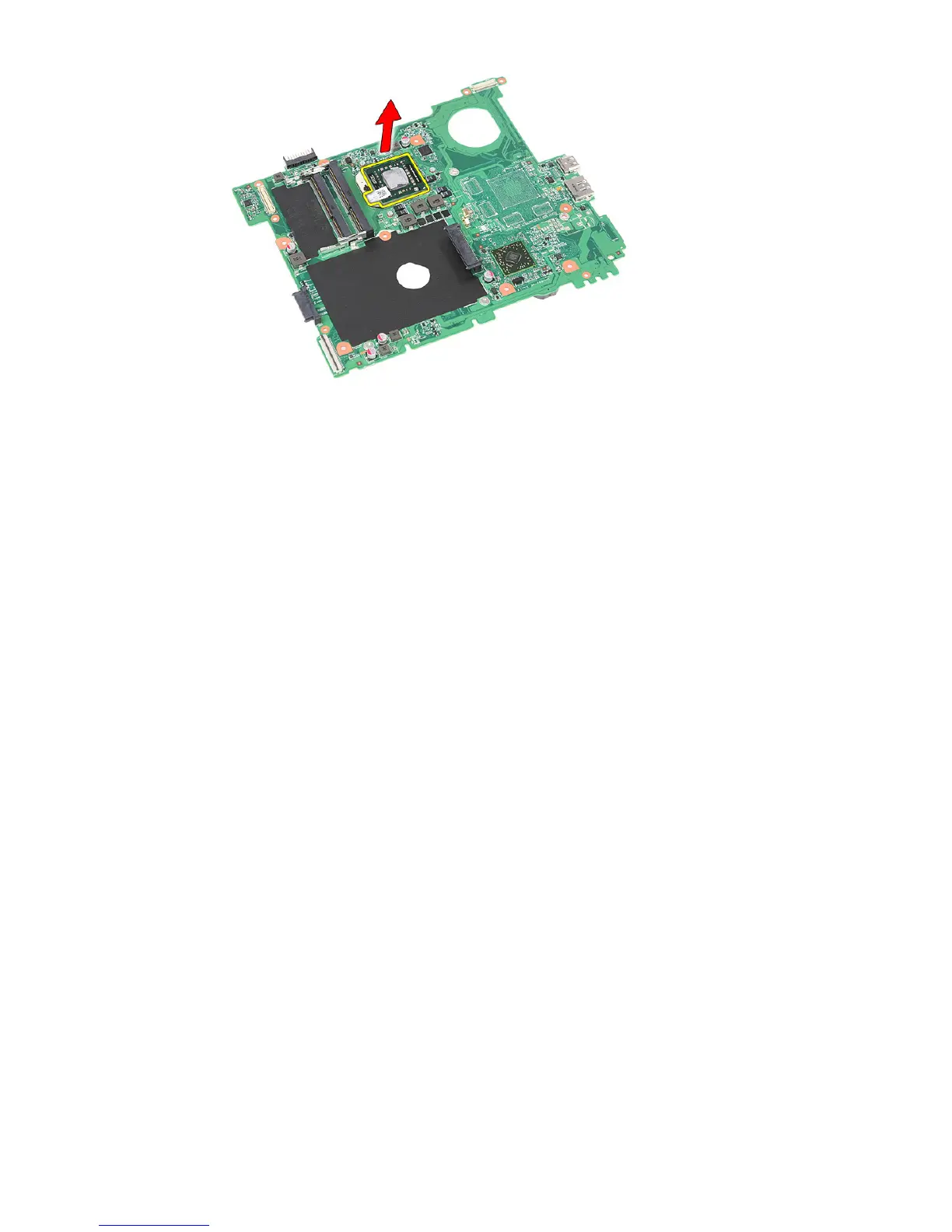
Installing The Processor
1. Insert the processor into the processor socket. Ensure the processor is
properly seated.
2. Tighten the cam lock in a clockwise direction.
3. Install the
system board
.
4. Install the
display assembly
.
5. Install the
ExpressCard board
.
6. Install the
hold switch
.
7. Install the
WLAN card
.
8. Install the
palm rest
.
9. Install the
keyboard
.
10. Install the
hard drive
.
11. Install the
optical drive
.
12. Install the
memory module
.
13. Install the
access panel
.
14. Install the
ExpressCard
.
15. Install the
memory card
.
16. Install the
battery
.
17. Follow the procedures in
After Working Inside Your Computer
.
68

Table of Contents

Related product manuals