EasyManua.ls Logo

Dell Vostro 3555 - Installing the Left and the Right Input;Output (I;O) Board

Dell Vostro 3555
116 pages
Print Icon
To Next Page IconTo Next Page
To Previous Page IconTo Previous Page
Loading...
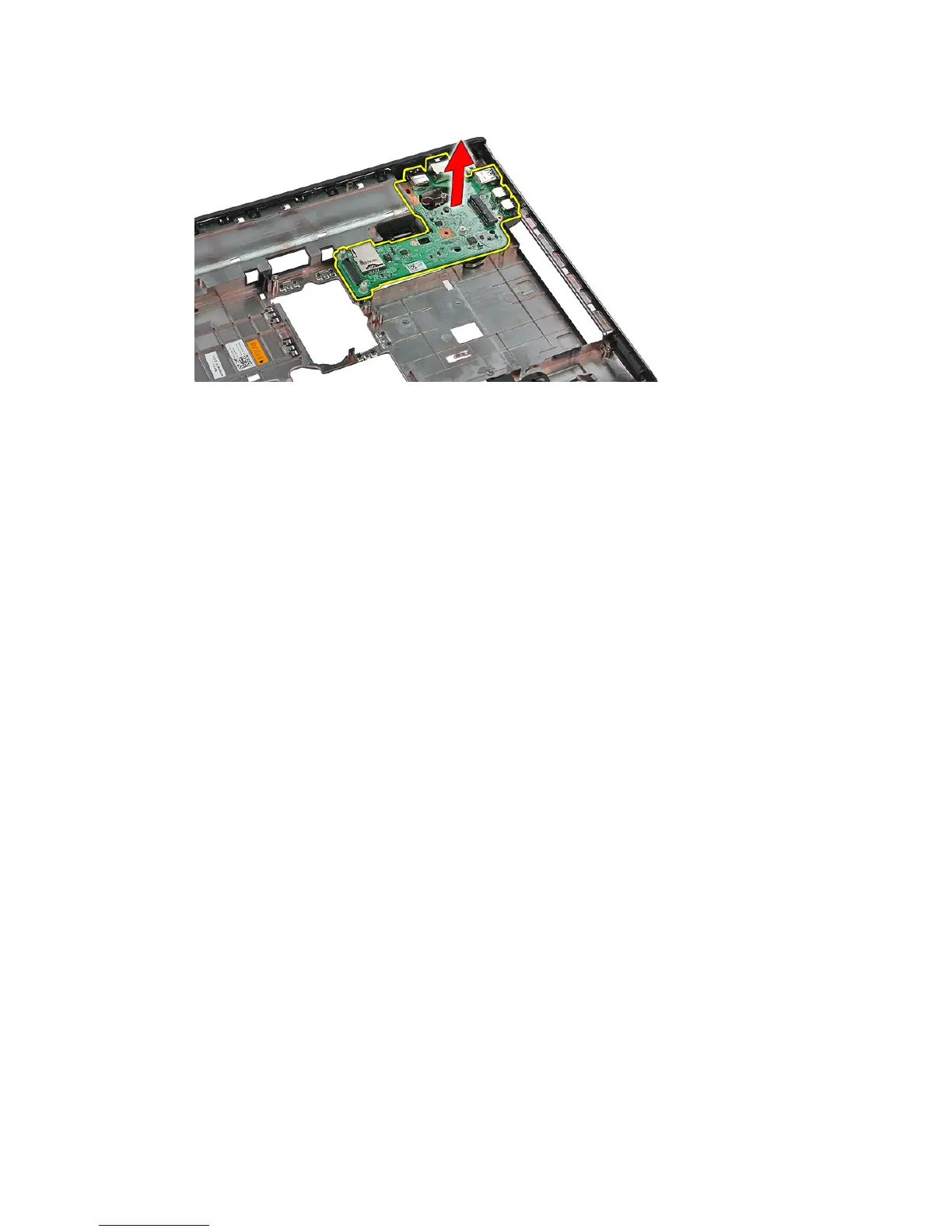
Installing The Left And The Right Input/Output (I/O) Board
1. Install the left and the right I/O board.
2. Install the
system board
.
3. Install the
display assembly
.
4. Install the
ExpressCard board
.
5. Install the
hold switch
.
6. Install the
WLAN card
.
7. Install the
palm rest
.
8. Install the
keyboard
.
9. Install the
WWAN card
.
10. Install the
hard drive
.
11. Install the
optical drive
.
12. Install the
memory module
.
13. Install the
access panel
.
14. Install the
ExpressCard
.
15. Install the
memory card
.
16. Install the
battery
.
17. Follow the procedures in
After Working Inside Your Computer
.
91

Table of Contents

Related product manuals