1. USB 3.2 Gen 2 Type-C port
Connect devices such as external storage devices and printers.
Provides data transfer speeds up to 10 Gbps. PowerShare enables you to charge connected USB devices.
NOTE: Connected USB devices will not charge when the computer is turned off or in sleep state. Turn on the computer
to charge the connected USB devices.
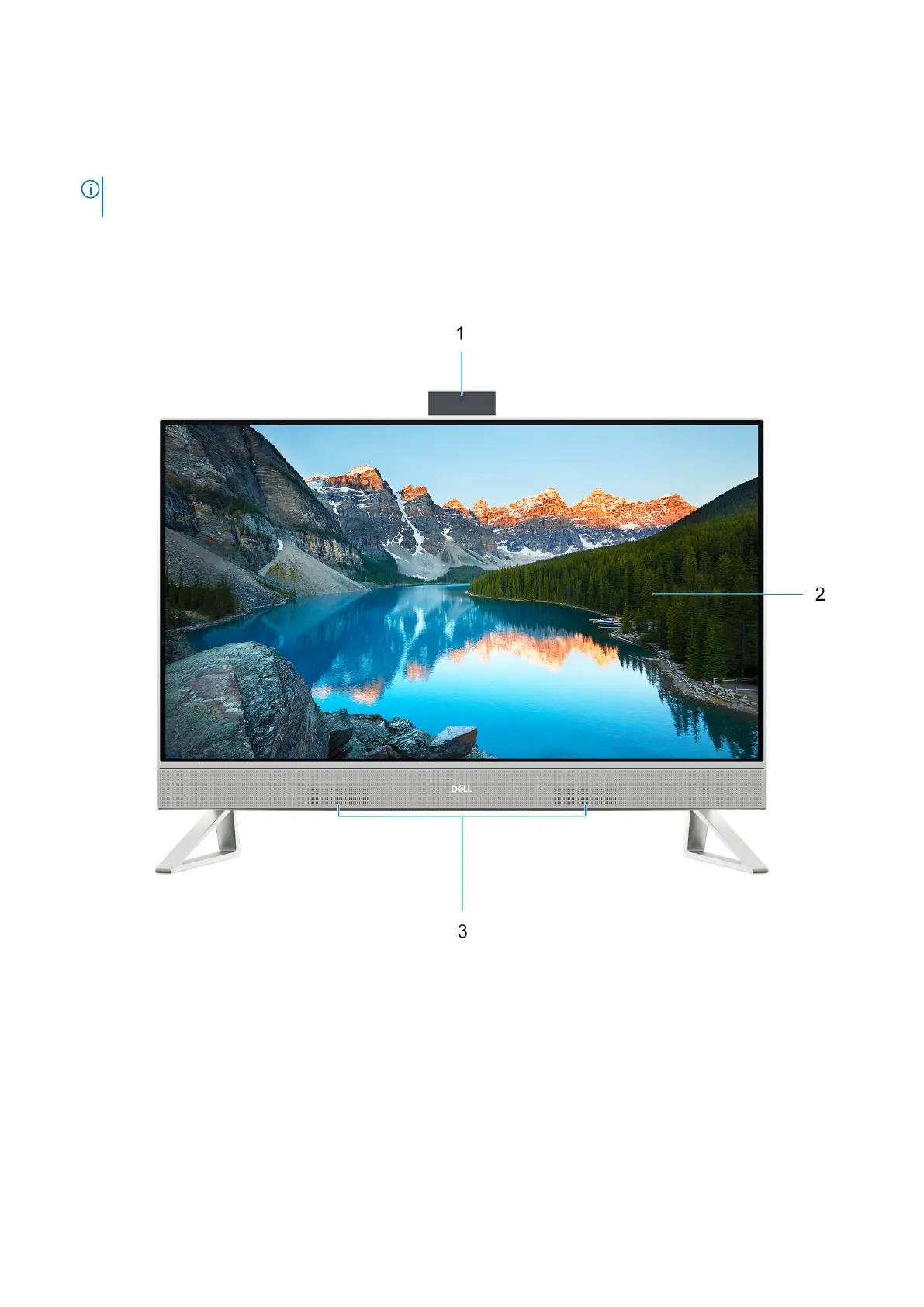
Front
1. Retractable-camera assembly
Enables you to videochat, capture photos, and record videos. This camera can be retracted to protect your privacy.
2. Display panel
Provides visual output to the user.
3. Speakers
Provides audio output.
Views of Inspiron 24 5420 All-in-One
9



 To Next Page