30
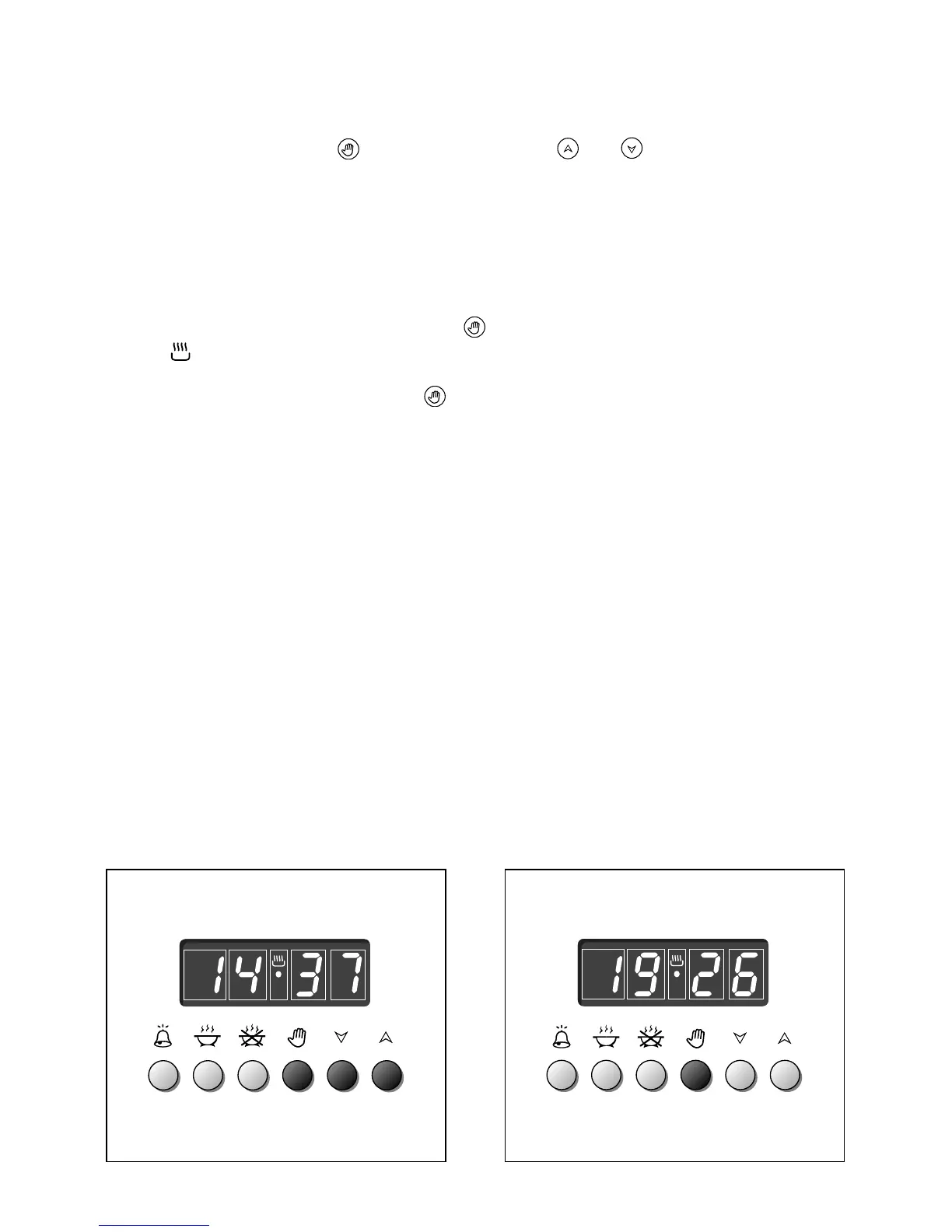
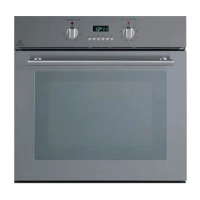
ELECTRONIC CLOCK (fig. 30)
The illuminated figures on the clock represent hours and minutes on 24 hour clock.
When first connected, or after a power failure, three zeros will flash on the display.
To set the time press the button and then the or
Please note that changing the hour button deletes any cooking program.
NORMAL COOKING WITHOUT THE USE OF THE PROGRAMMER
To manually use the oven without the aid of the programmer, it is necessary to cancel
the flashing AUTO by pushing the button (
AUTO
will be switched off and the
symbol will come on - Fig. 31).
Attention: If the AUTO symbol is steady a cooking program has already been
programmed, by pushing the button you have cancelled of the program and the
switched to manual.
If the oven is switch on, you must switch off manually.
Figure 31
Figure 30


 To Next Page