7
C
ONNECTING THE FEEDER CABLE
■
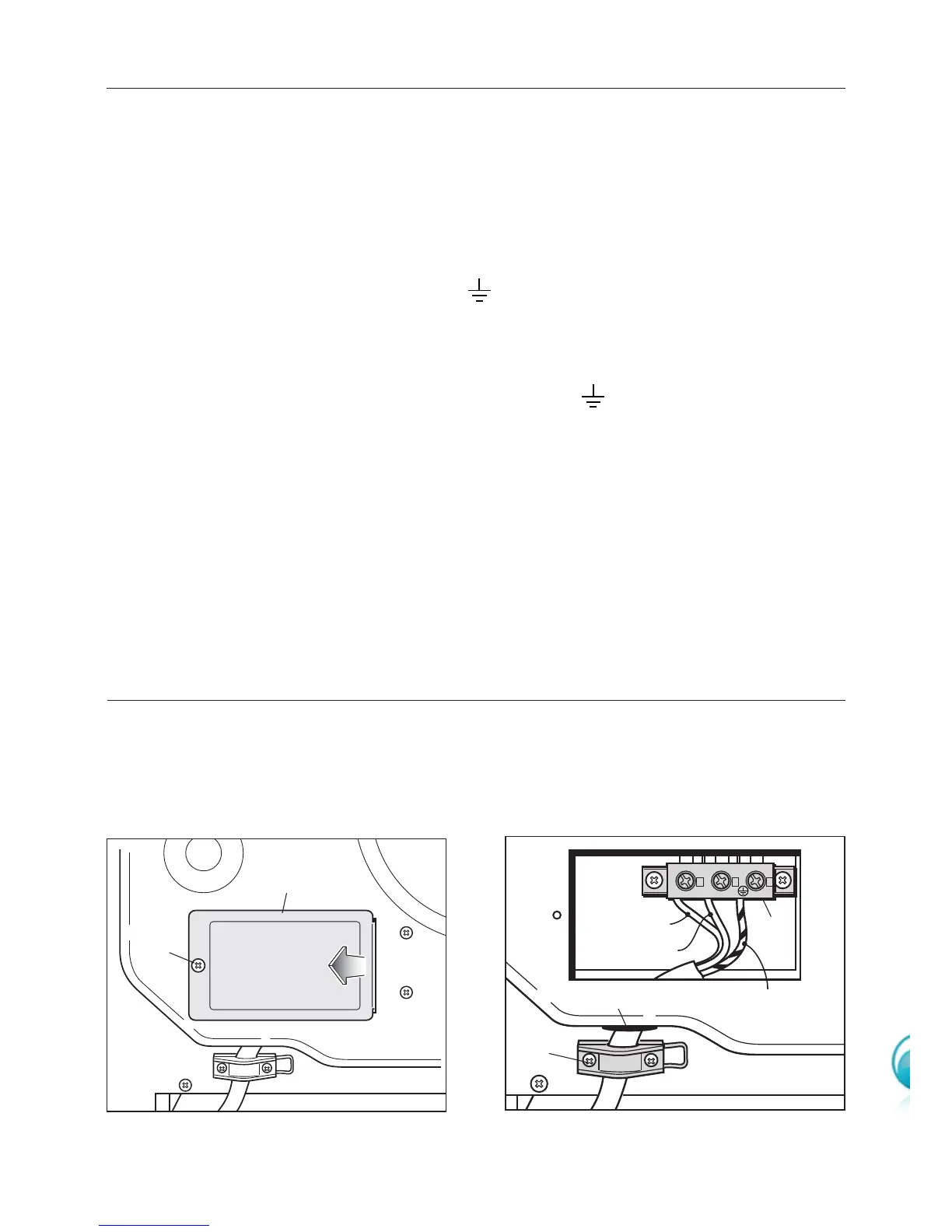
Unscrew the screw A securing the cover plate B behind the oven (fig. 1.1).
■
Remove the cover plate B.
■
Remove the screws C from the cable clamp (fig. 1.2).
■
Insert the mains cable (type V105 - 3x2,5 mm
2
section) into the cable protector P.
■
Connect the phase and earth cables to the mains terminal connection block D.
■ The wires of this appliance must be coloured in accordance with the following
code:
GREEN AND YELLOW - EARTH
BLUE - NEUTRAL “N”
BROWN - LIVE “L”
■ The wire which is coloured GREEN AND YELLOW must be connected to terminal
which is marked with the letter “E” or by the Earth symbol or coloured GREEN
or GREEN AND YELLOW.
■ The wire which is coloured BLUE must be connected to the terminal which is
marked with the letter “N” or coloured BLACK.
■ The wire which is coloured BROWN must be connected to the terminal which is
marked with the letter “L” or coloured RED.
■ Refit the cable clamp so that it clamps the outer sleeving of the cable, and screw
the screws C.
■ Refit the cover plate B and fix it with the screw A.
REPLACING THE POWER SUPPLY CABLE
If the supply cable is damaged, it must be replaced by the manufacturer or its service
agent or a similarly qualified person in order to avoid a hazard.



 To Next Page