6
1. INTRODUCTION
Thank you for choosing this bean to cup espresso and cappuccino
machine.
We hope you enjoy using your new appliance. Take a few min-
utes to read this Instruction for Use. This will avoid all risks and
damage to the appliance.
1.1 Letters in brackets
The letters in brackets refer to the legend in the description of
the appliance on pages 2-3.
1.2 Troubleshooting and repairs
In the event of problems, rst try and resolve them by reading
the information given in sections “17. Displayed messages” and
“18. Troubleshooting”.
If this does not resolve the problem or you require further in-
formation, you should consult customer services by calling the
number given on the annexed “Customer Service” sheet.
If your country is not among those listed on the sheet, call the
number given in the guarantee. If repairs are required, contact
De’Longhi customer services only. The addresses are given in the
guarantee certicate provided with the machine.
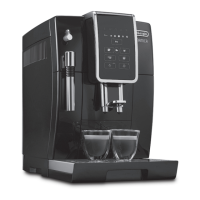
2. DESCRIPTION
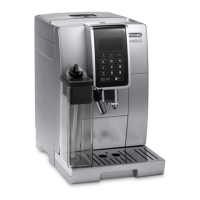
2.1 Description of the appliance
(page 3 - A)
A1. Beans container lid
A2. Pre-ground coee funnel lid
A3. Beans container
A4. Pre-ground coee funnel
A5. Grinding adjustment dial
A6. Cup shelf
A7. button: to turn the appliance on and o (standby)
A8. Hot water/steam connection nozzle
A9. Coee spouts (adjustable height)
A10. Condensate tray
A11. Coee grounds container
A12. Cup tray
A13. Drip tray water level indicator
A14. Tray grille
A15. Drip tray
A16. Water tank lid
A17. Water tank
A18. Water softener lter housing
A19. Brewing group door
A20. Brewing group
A21. Power cord
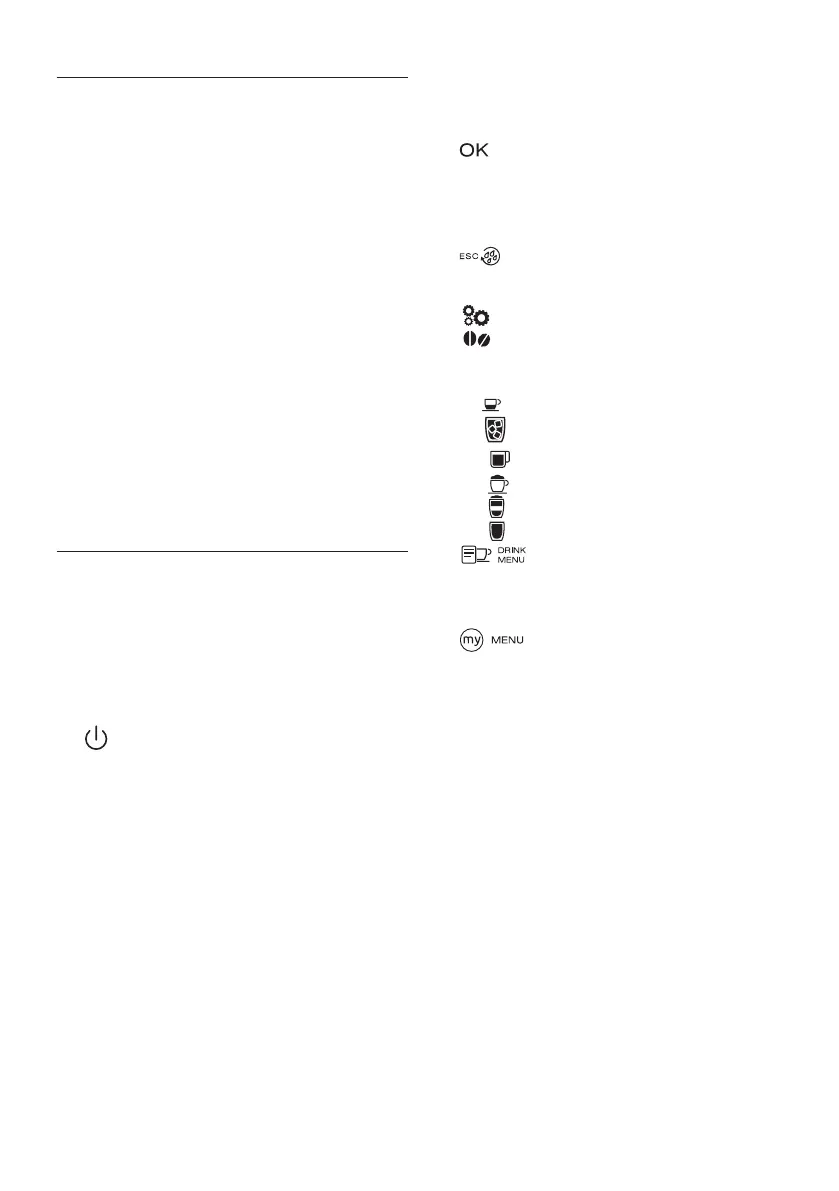
2.2 Description of the control panel
(page 3 - B )
A number of buttons on the control panel have a double function.
This is indicated in brackets in the description.
B1. Display: guides the user in using the appliance. The current
selection is at the center between two dotted lines.
B2. ▼ Selection arrow (“ESC”: when programming drinks, press
to exit without saving the change)
B3. : to conrm the selection (During the rst few seconds
of “espresso”, “ristretto” or “espresso lungo” delivery, press for
2 cups)
B4. ▲ Selection arrow (“STOP” - When delivering/program-
ming drinks, press to interrupt/program)
B5. : to perform a rinse cycle. (When in the settings
menu, it acts as the “ESC” to exit from the selected function
and go back to the main menu)
B6. : settings menu
B7. : intensity selection
Directly selected drinks:
B8. : Espresso
B9. : Over Ice Coee
B10. : Long
B11. : Cappuccino
B12. : Latte
B13. : Hot Milk
B14. : Select additional drinks available from the
Drink Menu: Lungo, Ristretto, Double Espresso+, Cappucci-
no+, Cappuccino Mix, Latte Macchiato, Flat White, Espresso
Macchiato, 2 Espresso, 2 Ristretto, 2 Lungo, Hot Water
B8. : My drinks selection menu. Unless previously
programmed from the settings menu (“6.4 Program My
drinks”), the drink is programmed directly the rst time
you use the appliance.
2.3 Description of the accessories
(page 3 - C )
C1. Indicator paper (*certain models only)
C2. Pre-ground measuring spoon(*certain models only)
C3. Descaler (*certain models only)
C4. Water softener lter (*certain models only)
C5. Cleaning brush (*certain models only)
C6. Hot water spout
C7. Removable power cord (*certain models only)
2.4 Description of the milk container
(page 3 - D )
D1. Froth adjustment and CLEAN dial
D2. Milk container lid
D3. Milk container
D4. Milk intake tube
D5. Frothed milk spout (adjustable)



 To Next Page