9
UNPACKING
Remove any protective materials and coatings from all of the parts and the tool. The protective coatings can be removed by spraying
WD-40 on them and wiping it o with a soft cloth. This may need redone several times before all of the protective coatings are
removed completely.
If any parts are missing, do not attempt to plug in the power cord and turn “ON” the machine. The machine should
only be turned “ON” after all the parts have been obtained and installed correctly.
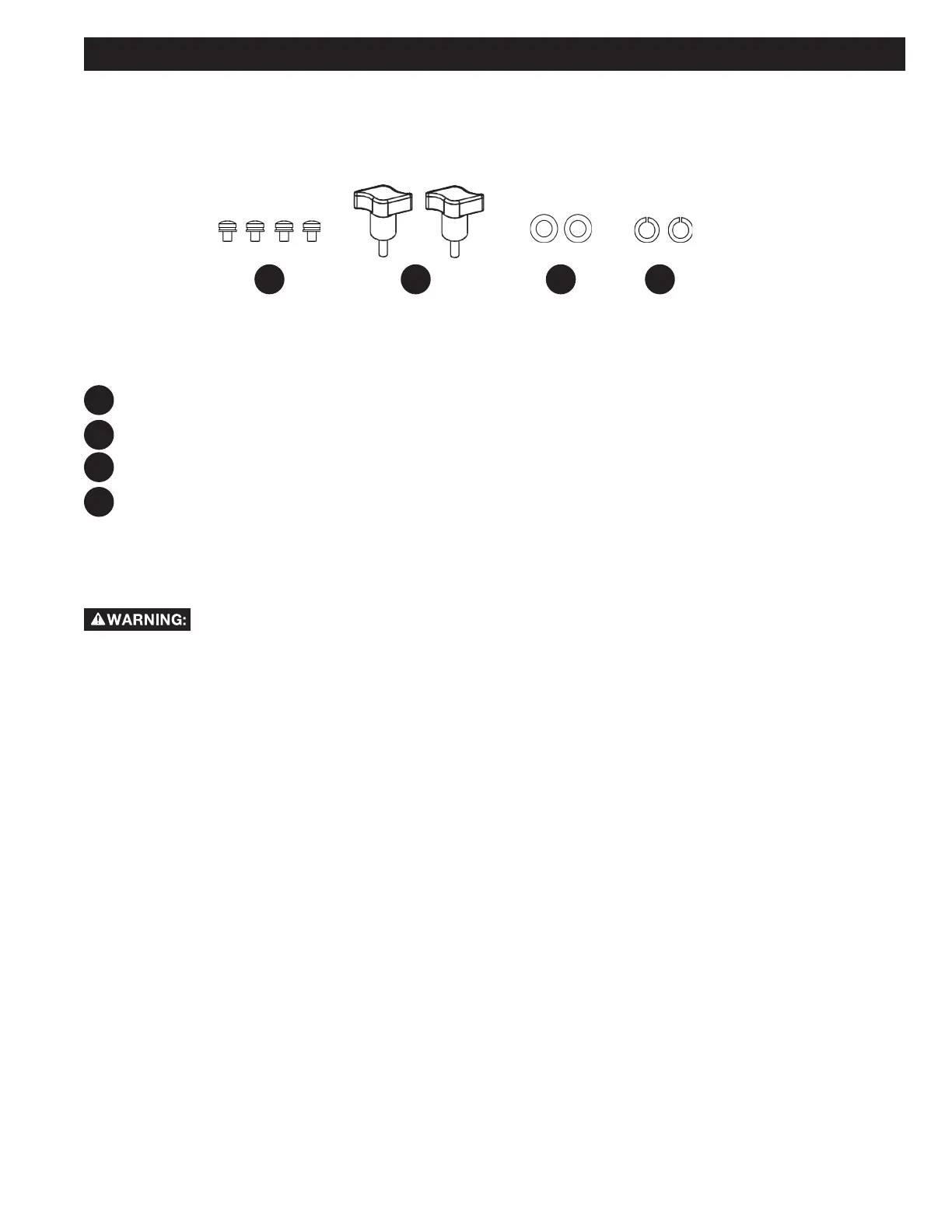
M5 x 8 Spring Pad Flat Pad Combination Parts (4)
M6 x 17 Handle (2)
Flat Washer D6 (2)
Spring Washer D6 (2)
HP1
HP3
HP1 HP3HP2 HP4
HP2
HP4
HARDWARE PACKAGE
002839
002845
002834 002860


 To Next Page