Delta Embedded System Operation Manual- E200 Series
4-4
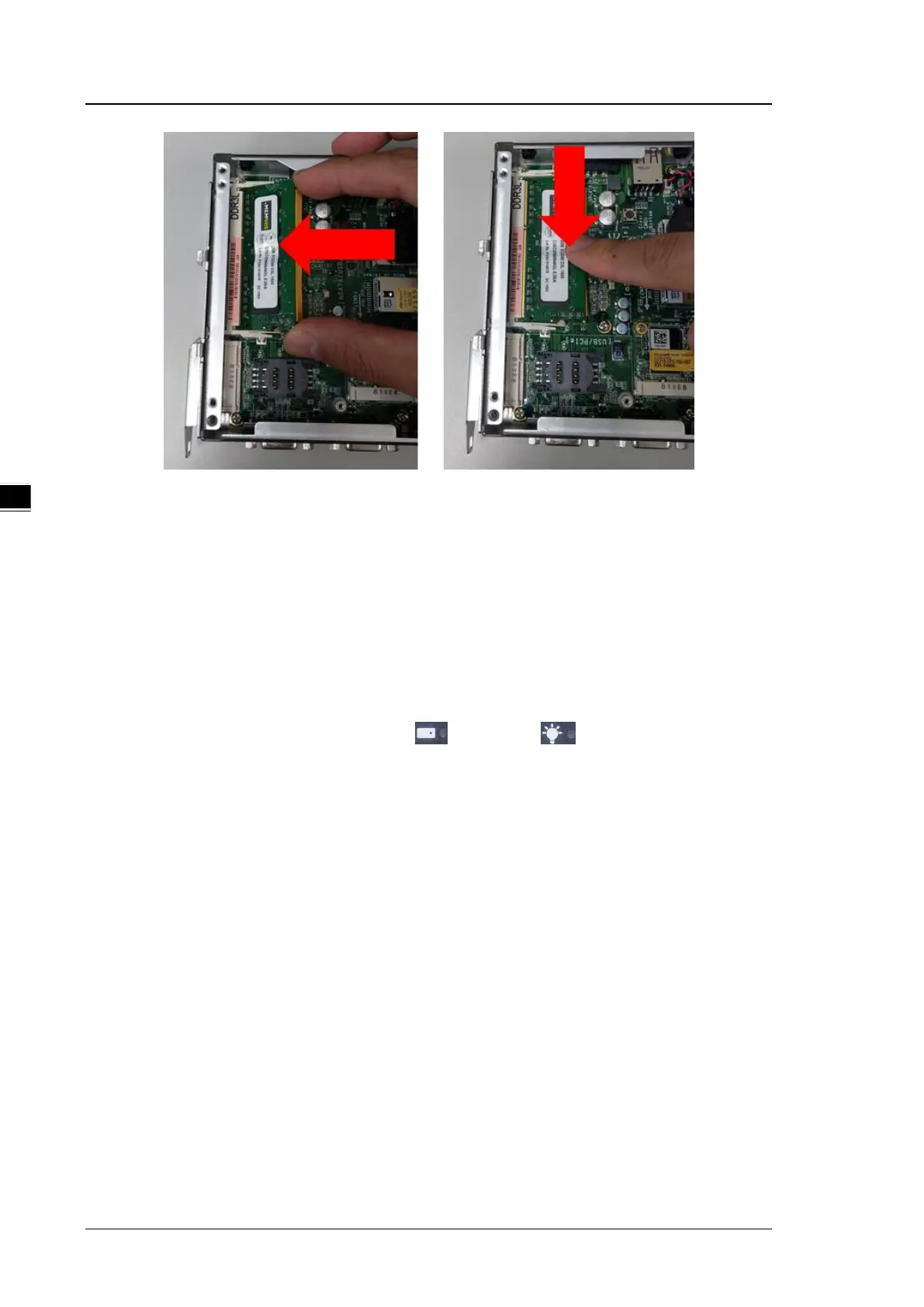
Step 6 When RAM installation is complete, please attach the side covers back to the chassis
and fasten all screws.
4.2
Replace mSATA SSD
✽ Any component replacement and repair of the host machine by users will lose the original product
guarantees.
The series uses half size mSATA SSD. To increase SSD capacity, please prepare the original OS as
backup and restore the settings once SSD is been replaced. Please refer to the following steps for
replacing the SSD:
Step 1 Turn off the system. When HDD and Power lights are OFF, disconnect
from the DC power system.
Step 2 Loosen all 4 screws to remove the side cover.


 To Next Page