Need help?
Do you have a question about the Delta TP04P and is the answer not in the manual?
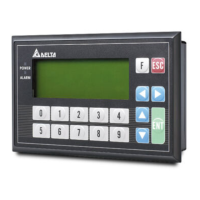
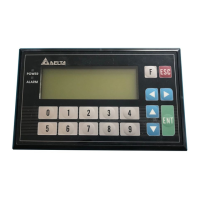
Details the components and layout of the TP04P's front panel.
Details the components and layout of the TP04P's back panel.
Illustrates front, right side, and top views with panel measurements.
Details the panel cutout and mounting dimensions for installation.
Lists environments to avoid for TP04P installation due to potential damage.
Details DC power supply requirements and connection points for TP04P.
Wiring details for analog input/output and temperature sensor for TP04P-22XA1R.
Provides wiring diagrams and recommendations for RS-485 communication.
Details connecting the TP04P to a PC using a USB adapter cable.
Details battery lifespan and real-time clock accuracy based on temperature.
 General
| Display Type | TFT LCD |
|---|---|
| Brightness | 400 cd/m² |
| Contrast Ratio | 500:1 |
| Power Supply | 24V DC |
| Memory | 128 MB Flash, 64 MB RAM |
| Operating Temperature | 0°C to 50°C |
| Storage Temperature | -20°C to 60°C |
| Protection Class | IP65 |

 To Next Page