
 Need help?
Do you have a question about the Deltaco Gaming DK440R and is the answer not in the manual?
Learn about essential keyboard function shortcuts and key combinations for various operations.
Explore the different backlight speeds, brightness settings, and LED modes available on the keyboard.
Understand how to connect the keyboard via wired, 2.4 GHz wireless, or Bluetooth connections.
Check the battery level by observing the illuminated number keys after pressing FN + Backspace.
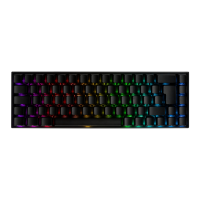
Discover how to change backlight modes, colors, brightness, and speed using FN key combinations.
 General
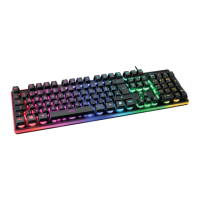
| Type | Mechanical |
|---|---|
| Switch Type | Membrane |
| Backlight | RGB |
| Key Rollover | N-Key Rollover |
| Connection | Wired |
| Cable Length | 1.8 m |
| Dimensions | 435x130x30mm |
| Keyboard Layout | Nordic |
| Form Factor | Full-size |
| Anti-Ghosting | Yes |
| Keycaps | ABS |
| Interface | USB |


 To Next Page