
 Need help?
Do you have a question about the Deltaco Gaming DK460 and is the answer not in the manual?
Checks for compatibility with Windows 8 and newer operating systems for the keyboard.
Details various function key combinations for controlling keyboard features and launching applications.
Explains how to control volume using the keyboard knob and mute/unmute the sound.
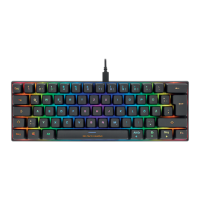
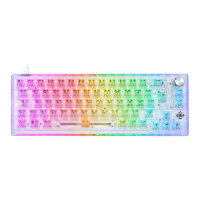
Describes the meaning of LED indicators for lock status (Caps Lock, Scroll Lock, Win Lock).
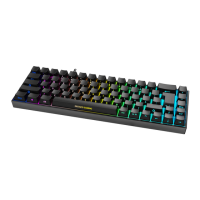
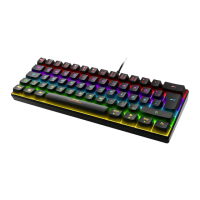
Explains how to switch between 18 different LED modes and their customization options.
Instructions to download the keyboard's software from the official website for enhanced functionality.
Guidelines for cleaning the keyboard using a soft dry cloth, with options for tougher stains.
Information on where to find warranty details for the product online.
Contact information for obtaining more product details or assistance via email.
Information on the proper disposal of the electronic device according to EU directives.
 General
| Switch Type | Outemu Blue |
|---|---|
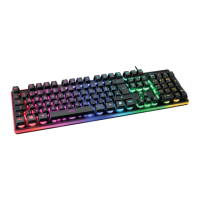
| Backlighting | RGB |
| Key Rollover | N-Key Rollover |
| Connectivity | Wired |
| Device Type | Keyboard |
| Layout | Nordic |
| Form Factor | Full-size |
| Connection | USB |
| Interface | USB 2.0 |
| Type | Mechanical |


 To Next Page