DEMA NITRO/NITRO EXPRESS REPLACEMENT GUIDE
INSTALLATION INSTRUCTIONS
I-993 Pg. 4 of 6
Rev. -- 10/01/09
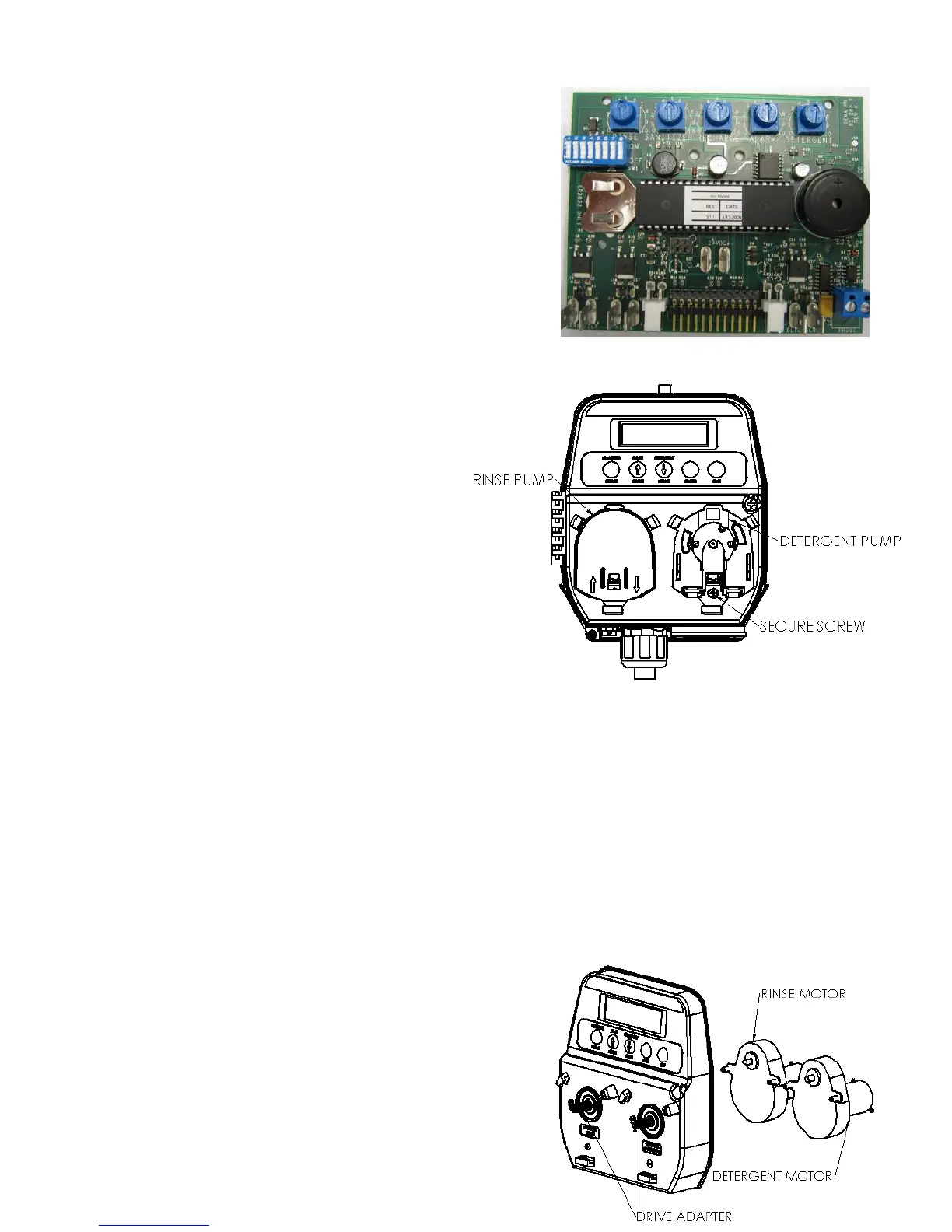
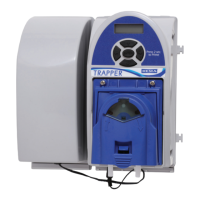
To convert the system to three products, remove all power from the
unit and from the dish machine. Then remove the wiring from the
control board taking note of where wires connected to the board.
Remove the 4 screws holding the control board to the cover. Take
the old control board out and put the new 3 product control board
in. Secure the board with the four screws provided in the kit. Then
begin rewiring the board as shown on page 2. Once the board is
rewired, the board will need to be programmed. Using the old
board could help in this process to understand the settings.
KIT 81.316.8 – DETERGENT PUMP
ONLY REPLACEMENT KIT
KIT 81.316.9 – RINSE PUMP ONLY
REPLACEMENT KIT
KIT INCLUDES: DETERGENT PUMP
(81.226.2) OR RINSE PUMP (81.226.1) AND
SCREW
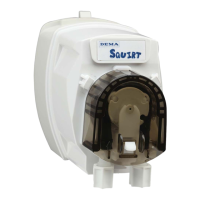
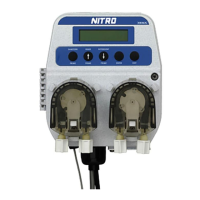
To replace the pump head, take off the pump cover to expose the secure screw. Take out the secure screw and
remove the rest of the pump head. Place the new pump head on and tighten the secure screw. The rinse pump head is on
the front left of the unit and the detergent pump head is on the front right of the unit.
KIT 81.316.10 – DETERGENT MOTOR ONLY
REPLACEMENT KIT
KIT 81.316.11 – RINSE MOTOR ONLY
REPLACEMENT KIT
KIT INCLUDES: DETERGENT MOTOR (81.311.2) OR
RINSE MOTOR (81.311.1), DRIVE ADAPTER (81.220.1)
AND SCREWS


 To Next Page