21
21495344.indd/311007
Selection of the displayed parameter:
• DRC-10: Left and right keys
• DRC-J: Display keys ← and →
The radio receiver parameter programming menu can be exited at any time:
• DRC-10: Lift keys
• DRC-J: Display keys ↑
The displayed parameter can only be modified after changing from display mode
to entry mode by actuating the F1 key. It is possible to exit entry mode at any time
and to return to display mode:
• DRC-10: Lift keys
• DRC-J: Display keys ↑
In entry mode, the colon following the parameter code is replaced by an equals
symbol. Instead of the current value of a parameter, one of the possible values is
now displayed:
1.4 Entry mode
Scrolling through possible values:
• DRC-10: Left and right keys
• DRC-J: Display keys ← and →
Actuate the F2 key to accept the displayed value.
The parameter will remain unchanged, if entry mode is exited without accepting
the value with F2.
1.3 Changing between
display and entry
mode
42660944.eps
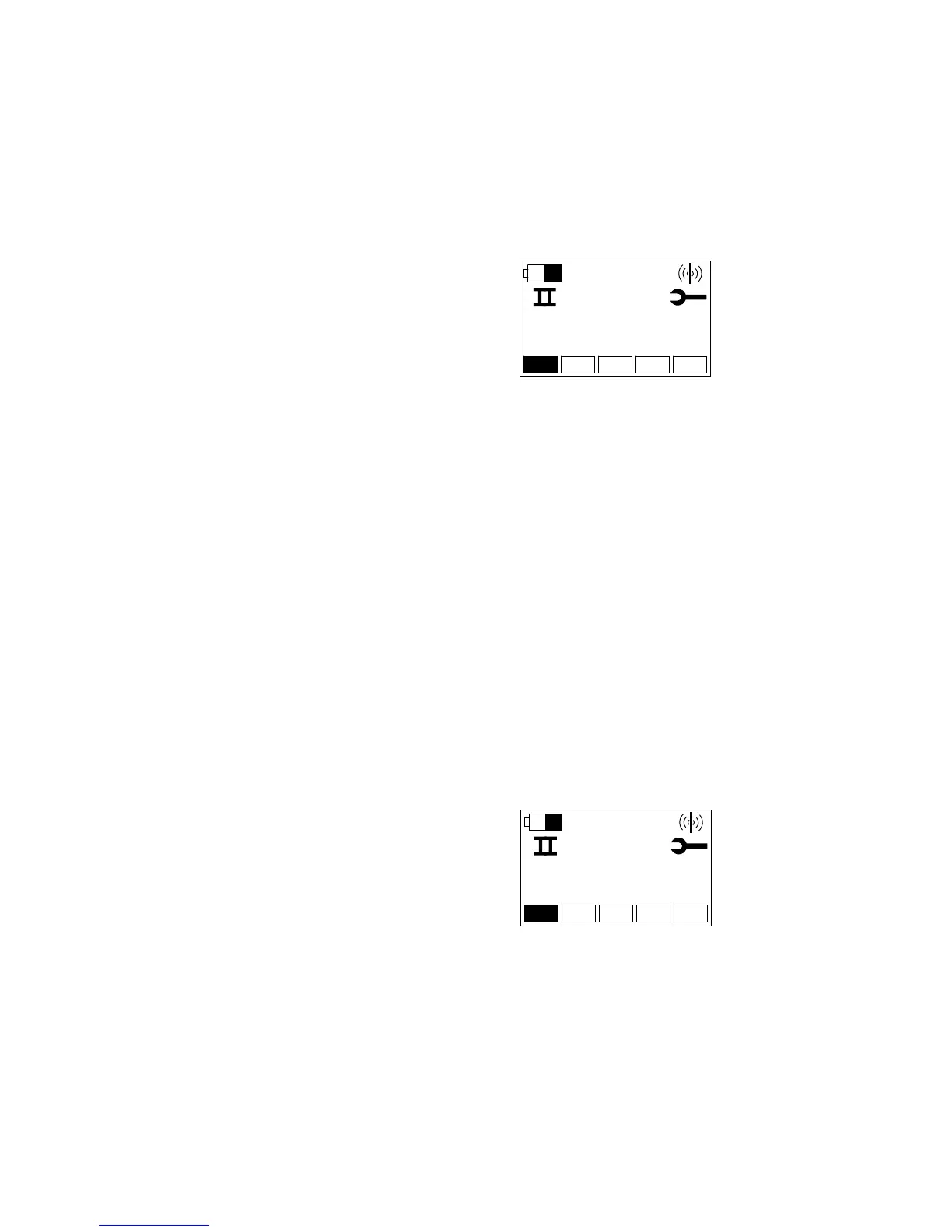
Only parameters are first displayed after activation of the menu. The display starts
with parameter 001, i.e. the Baud rate used by the radio receiver on the CAN bus.
The colon following the parameter code 001 indicates the display mode:


 To Next Page