© DENAFRIPS CO. LTD. & VINSHINE AUDIO PTE. LTD. (SINGAPORE)
ALL RIGHTS RESERVED
4. OPERATING INSTRUCTION
4.1 Quick Start Guide
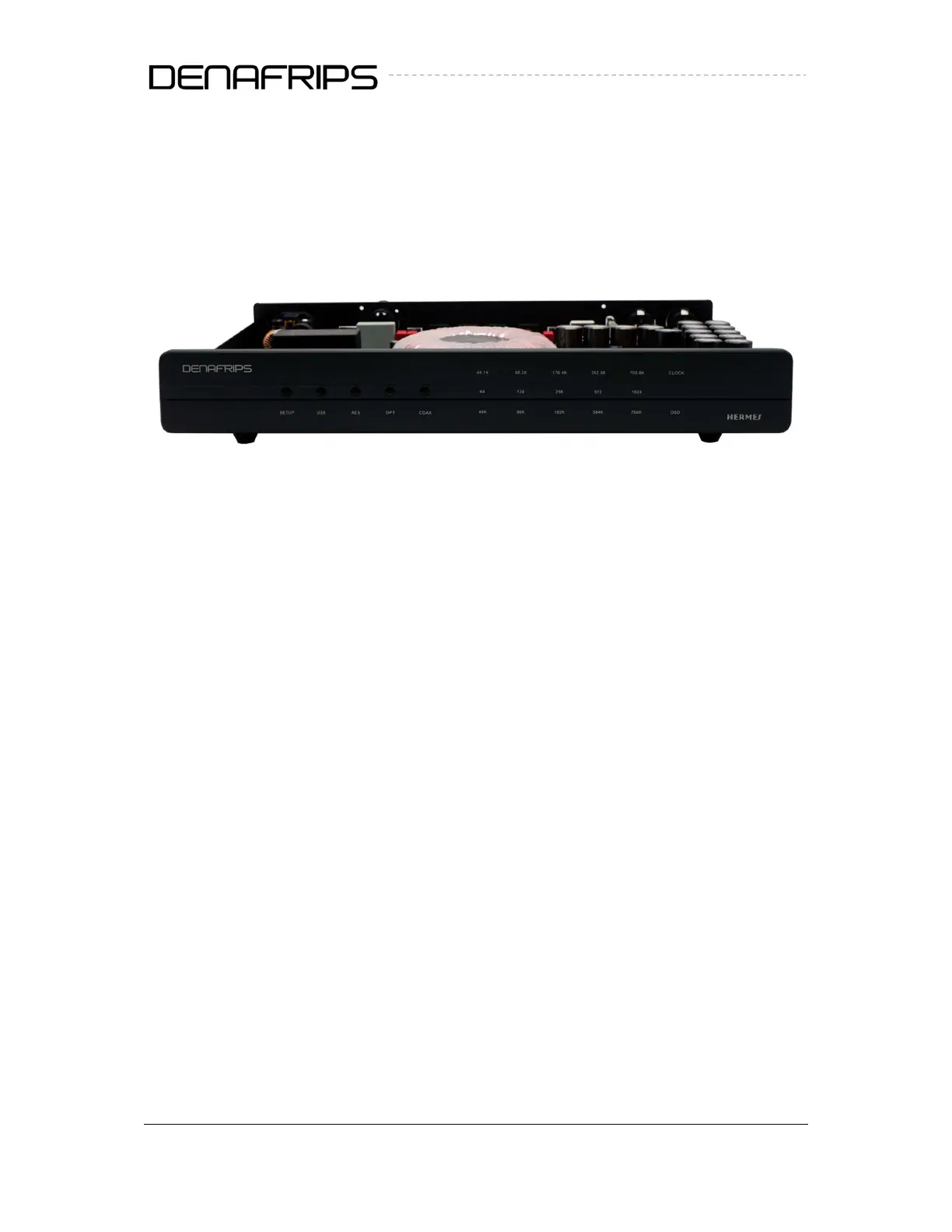
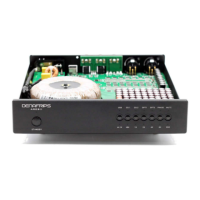
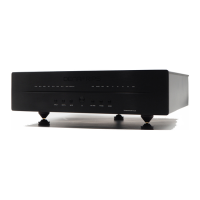
Figure 1. Front Panel
(1) Setup Button
Press the setup button once to enter configuration mode. In configuration mode, user may
enable/disable the CLOCK-IN feature.
Press Setup button once (enter config mode)
Press OPT button twice
CLOCK light should be on/off as the OPT button is pressed momentarily
CLOCK light on = Enable clock in
CLOCK light off = Disable clock in
To confirm the setting, press Setup button once to save and exit config mode
(2) Input Selection Button
Press the following button to select the desire input to use with the HERMES DDC.
a. USB
b. OPT
c. AES
d. COAX



 To Next Page