Controls
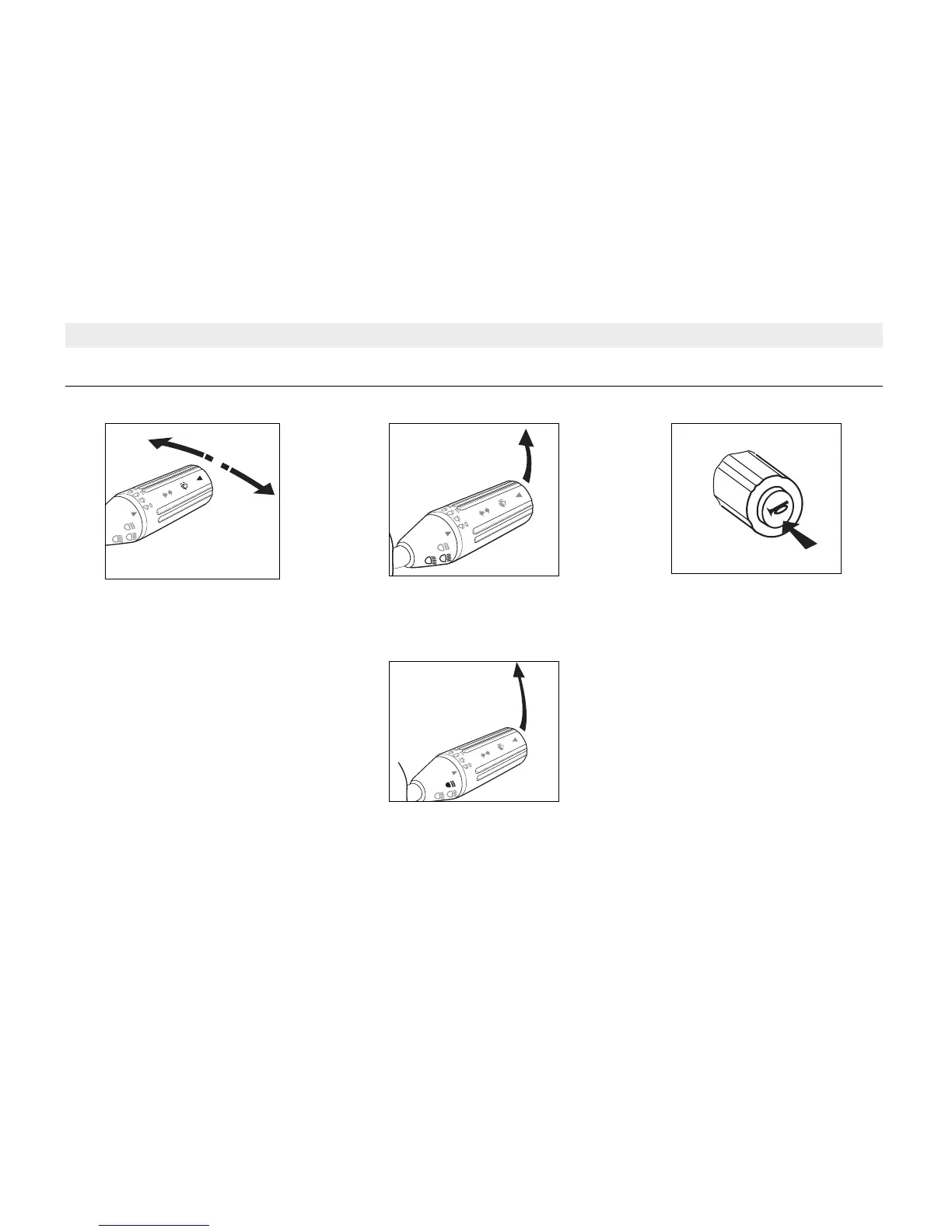
Direction Indicators
Direction Indicator Right - Move lever
clockwise.
Direction Indicator Left - Move lever
anticlockwise.
To operate the lane-change mode,
move the lever against spring pressure.
When part way released, lever will
return to off position.
Headlights: Dipped/Main Beam
Pull lever upwards to change between
Dip and Main Beam.
Headlights: Flash
Pull lever fully upwards towards
Steering Wheel. The Headlight Flash
can also be operated when Turn Signal
lamps are on.
Horn
Press Horn push button on end of
Multifunction Switch.
Multi Function Switch
22



 To Next Page