30
Steering Column
Adjustment Button
Controls
The ramp controls are mounted on the
driver's side console.
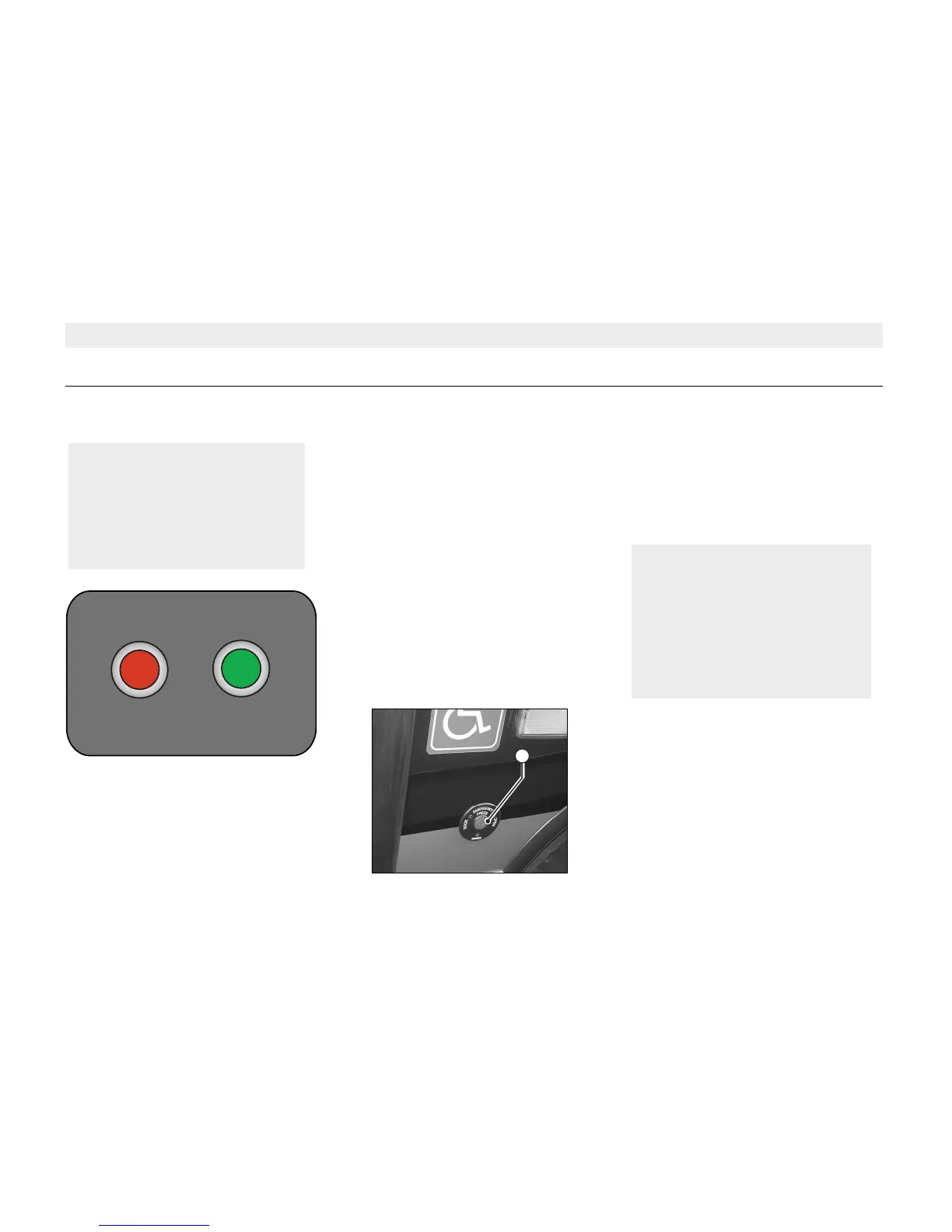
1. Ramp Extend Button - Red
Press the button to extend the ramp.
The ramp will stop if the button is
released.
2. Ramp Retract Button - Green
Press the button to retract the ramp.
A door brake is applied to prevent
movement of the vehicle at all times the
ramp is not fully stored.
Closure of the doors is inibited
whenever the ramp is not fully stored.
A warning lamp is illuminated whenever
the ramp is not fully stored.
External Request Button
The external ramp request button is
located adjacent the door.
The buttons are not operative if:
• The vehicle is moving.
• The handbrake is not ON.
• The system air pressure is too
low.
NOTE
The vehicle is fitted with
interlocks to prevent the ramp
from being extended when the
vehicle is moving, or whilst the
vehicle is raising or lowering.
Ramp
EXTEND
WHEELCHAIR RAMP
RETRACT
WARNING
Ensure that passengers and
pedestrians are clear before
extending ramp and that
passengers are fully boarded
before retracting. Maximum
loading should not exceed
300kg.
1A



 To Next Page