19
b
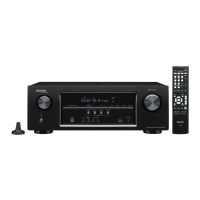
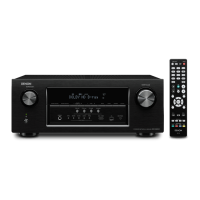
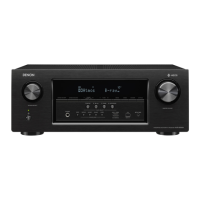
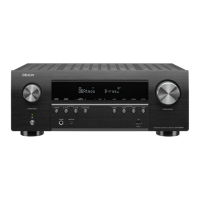
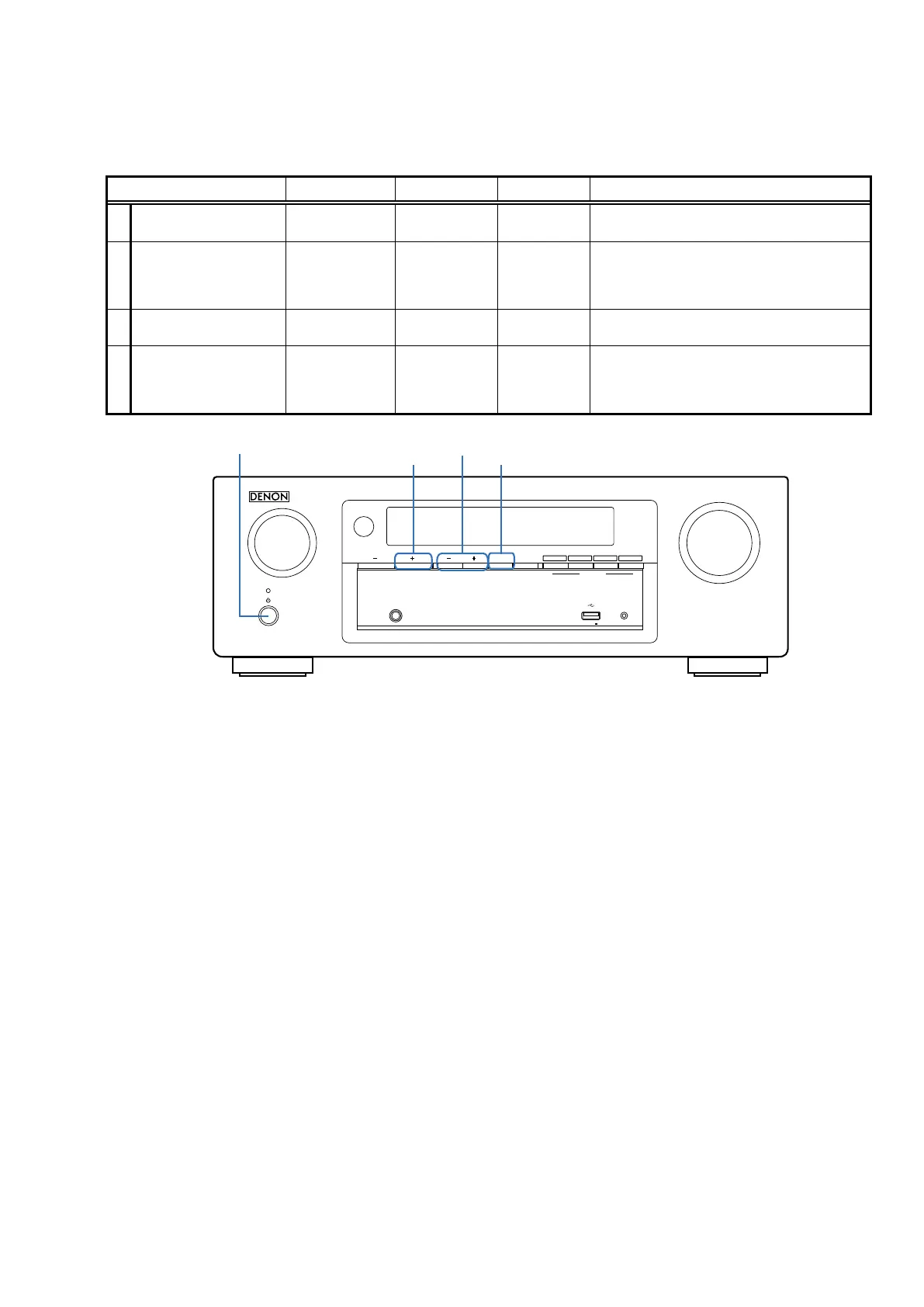
No. 1, 2 : Hold down buttons A and B at the same time and press the power button (
X
)
to turn on the power.
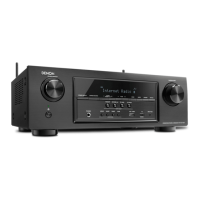
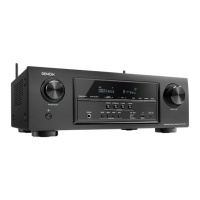
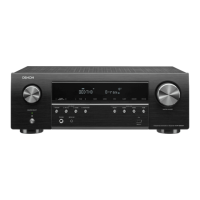
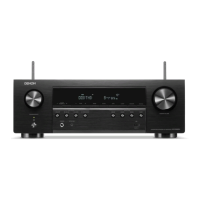
No. 3, 4 : Hold down buttons A, B and C for at least 3 seconds while the power is on.
AVR-X510BT
Mode Button A Button B Button C Contents
1 Initialization PRESET + TUNE +
Backup data initialization is carried out.
(See 11 page.)
2 Version Display TUNE + DIMMER
Firmware versions such as Main, DSP or OSD
are displayed in the FL display. Errors are
displayed or when they occur.
(See 20 page.)
3
Chang Video Format
and Display Languge
TUNE - TUNE + DIMMER
4 Product Mode PRESET + TUNE - TUNE +
Select the mode shown below.
"Remote Lock", "Tuning Step Change", "OSD
Update", "Protection History Display" and "Mic
Mode".
MASTER VOLUME
SOURCE SELECT
SETUP MICPHONES
5V/1A
GAMECBL/SAT
31
DIMMER STATUS
TUNER
PRESET CH
TUNE
DVD/Blu-ray
2
Bluetooth
4
QUICK SELECT
TUNE -, +
X
PRESET +
DIMMER


 To Next Page
 Loading...