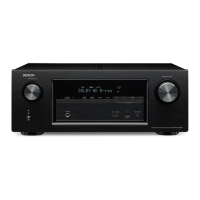
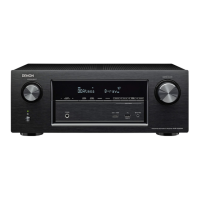
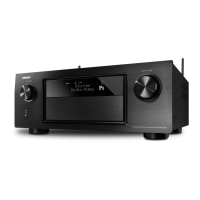
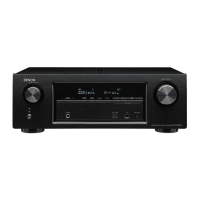
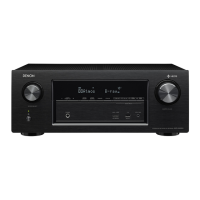
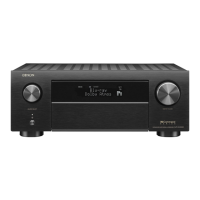
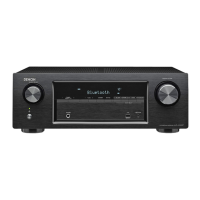
Front Display
Makes settings related to the display on this unit.
o
Dimmer
Adjust the display brightness of this unit.
Bright
(Default):
Normal display brightness.
Dim: Reduced display brightness.
Dark: Very low display brightness.
Off: Turns the display off.
You can also adjust the display by pressing DIMMER on the main unit.
Information
Show information about this unit settings, input signals, etc.
o
Audio
Show the audio information for MAIN ZONE.
Sound Mode: The currently set sound mode.
Input Signal: The input signal type.
Format:
The number of input signal channels (presence of
front, surround, LFE).
Sample Rate: The input signal’s sampling frequency.
Offset: The dialogue normalization correction value.
Flag:
This is displayed when inputting signals including a
surround back channel. “MATRIX” is displayed with
Dolby Digital EX and DTS-ES Matrix signals,
“DISCRETE” with DTS-ES Discrete signals.
Contents Connections Playback Settings Tips Appendix
210
Front panel Display Rear panel Remote Index


 To Next Page
 Loading...