1
Thank you for purchasing this DENON product. To ensure proper operation, please read this owner’s manual carefully before using the product.
After reading them, be sure to keep them for future reference.
Getting started
Preparations ·············································································4
Connections ··················································································· 5
Connecting the power cord ··························································5
Connecting a portable player ························································5
Connecting an iOS device·····························································6
Connecting to a home network (LAN) ········································7
Required system···········································································7
Network connections and settings ··············································· 8
Operations ··············································································12
Playback ·······················································································13
Preparations ················································································13
Operations possible during playback ··········································13
Various memory functions ··························································14
Playing an iOS device ·································································14
AirPlay function ···········································································15
Listening to internet radio ···························································17
Playing a portable player ····························································· 17
Playing back files stored on PC
or NAS with Cocoon App (Music server) ···································· 18
How to make detailed settings ··················································20
Menu map ··················································································20
Setting the language (Language) ················································21
Setting the clock (Clock) ·····························································21
Setting the volume limit (Max Vol Level) ···································· 23
Setting the network (Network Info.) ··········································· 23
Informations···········································································25
Part names and functions···························································26
Front panel ··················································································26
Rear panel ···················································································27
Remote control unit ···································································· 27
Other information ·······································································28
Trademark information ································································28
Explanation of terms ···································································29
Troubleshooting ·········································································· 31
Resetting the microprocessor ····················································33
Specifications ··············································································33
Getting started ··············································································1
Accessories ··················································································1
Features ························································································2
Cautions on handling ····································································2
Remote operation ········································································· 3
Contents
Accessories
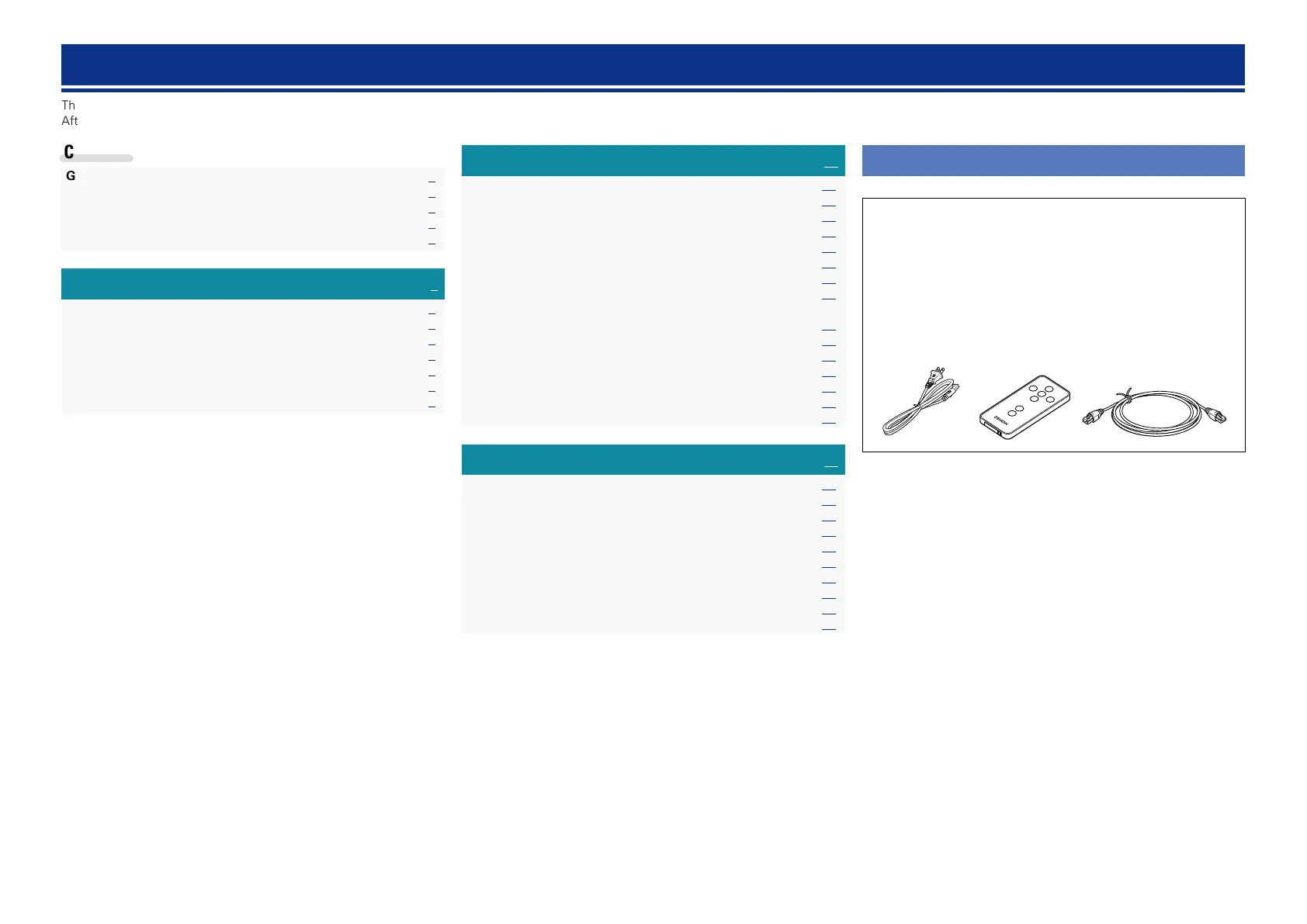
Check that the following parts are supplied with the product.
q Quick Setup Guide .................................................................. 1
w CD-ROM (Owner’s manual) .................................................... 1
e Safety Instructions .................................................................. 1
r Warranty (for North America model only) ................................ 1
t Service network list ................................................................. 1
y Power cord .............................................................................. 1
u AC adaptor ............................................................................... 1
i Remote control unit (With battery) .......................................... 1
o Ethernet cable (CAT-5) ............................................................ 1
iy o



 To Next Page