21
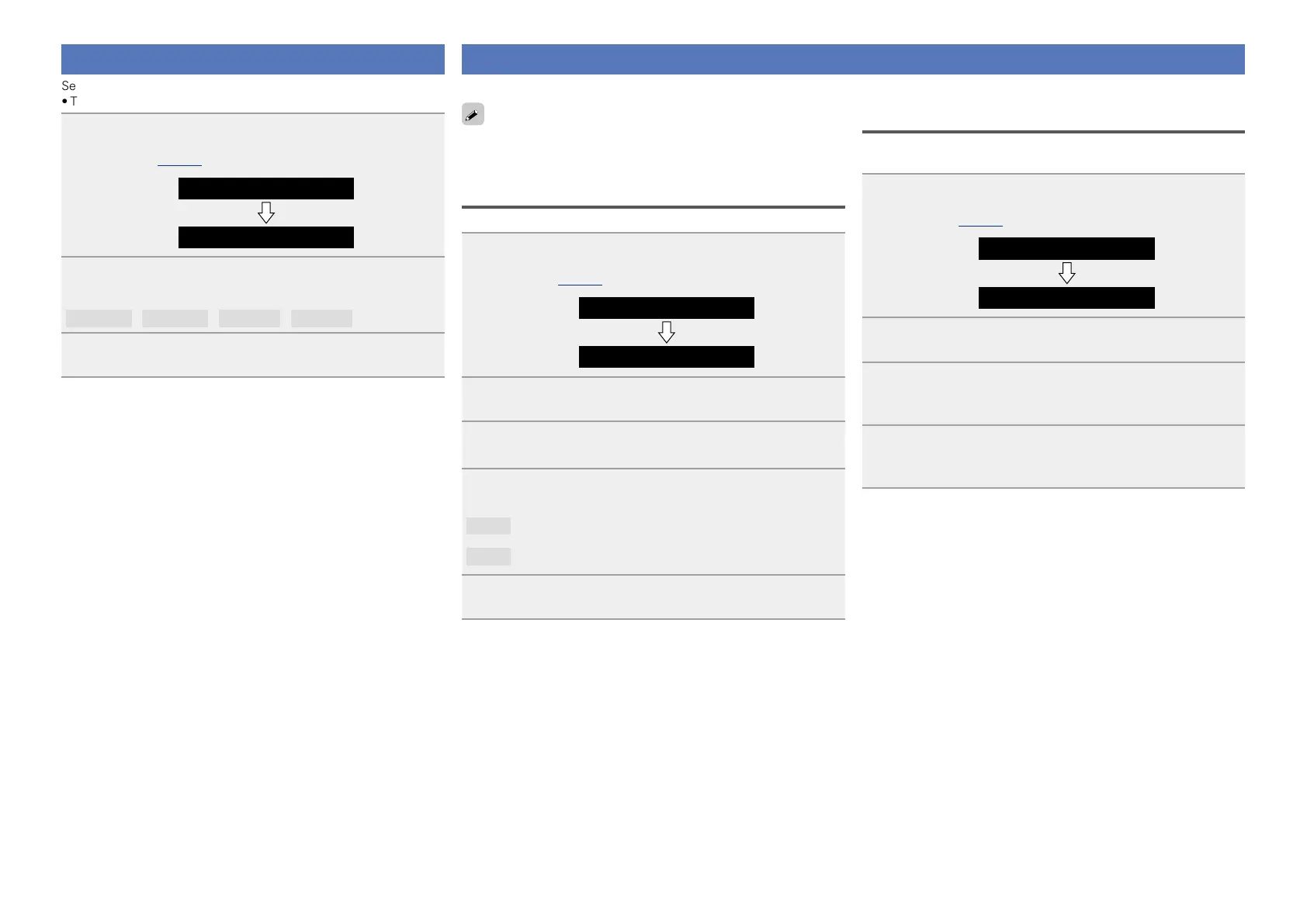
Setting the language (Language)
Sets the language for display the menu.
•The factory default setting is “English”.
1
Press + and – at the same time.
Turns on the menu settings mode and the menu appears on the
display (vpage20 “Menu map”).
Menu
Language
2
Press 13, then press + or – to select the language
you want to set.
English
/
Français
/
Español
/
(EXIT)
3
Press 13 to enter the setting
The top menu is displayed again.
Setting the clock (Clock)
You can automatically adjust the clock of this unit using the Internet.
To use this function, the unit must be connected to the Internet.
Adjusting the clock automatically (Auto
Adjust)
Use the following procedure to automatically adjust the clock.
1
Press + and – at the same time.
Turns on the menu settings mode and the menu appears on the
display (vpage20 “Menu map”).
Menu
Language
2
Press + or – to select “Clock”, then press 13.
3
Press + or – to select “Auto Adjust(On)”, then press
13.
4
Press + or – to select “On” or “Off”.
The operation to receive the current time starts.
On
Automatically adjust the clock.
Off
Does not automatically adjust the clock.
5
Press 13 to enter the setting
The “Clock” menu is displayed again.
Setting the Time Zone
(Time Zone)
Use the following procedure to select your local standard time (time
zone).
1
Press + and – at the same time.
Turns on the menu settings mode and the menu appears on the
display (vpage20 “Menu map”).
Menu
Language
2
Press + or – to select “Clock”, then press 13.
“Auto Adjust(On)” is displayed.
3
Press + or – to select “Time Zone(+1H)”, then press
13.
“–5H(Eastern Standard Time)” is displayed.
4
Press + or – to select your local standard time (time
zone) in your lives, then press 13.
The “Clock” menu is displayed again.


 To Next Page