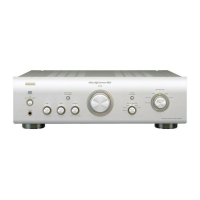
Turning the power on
1
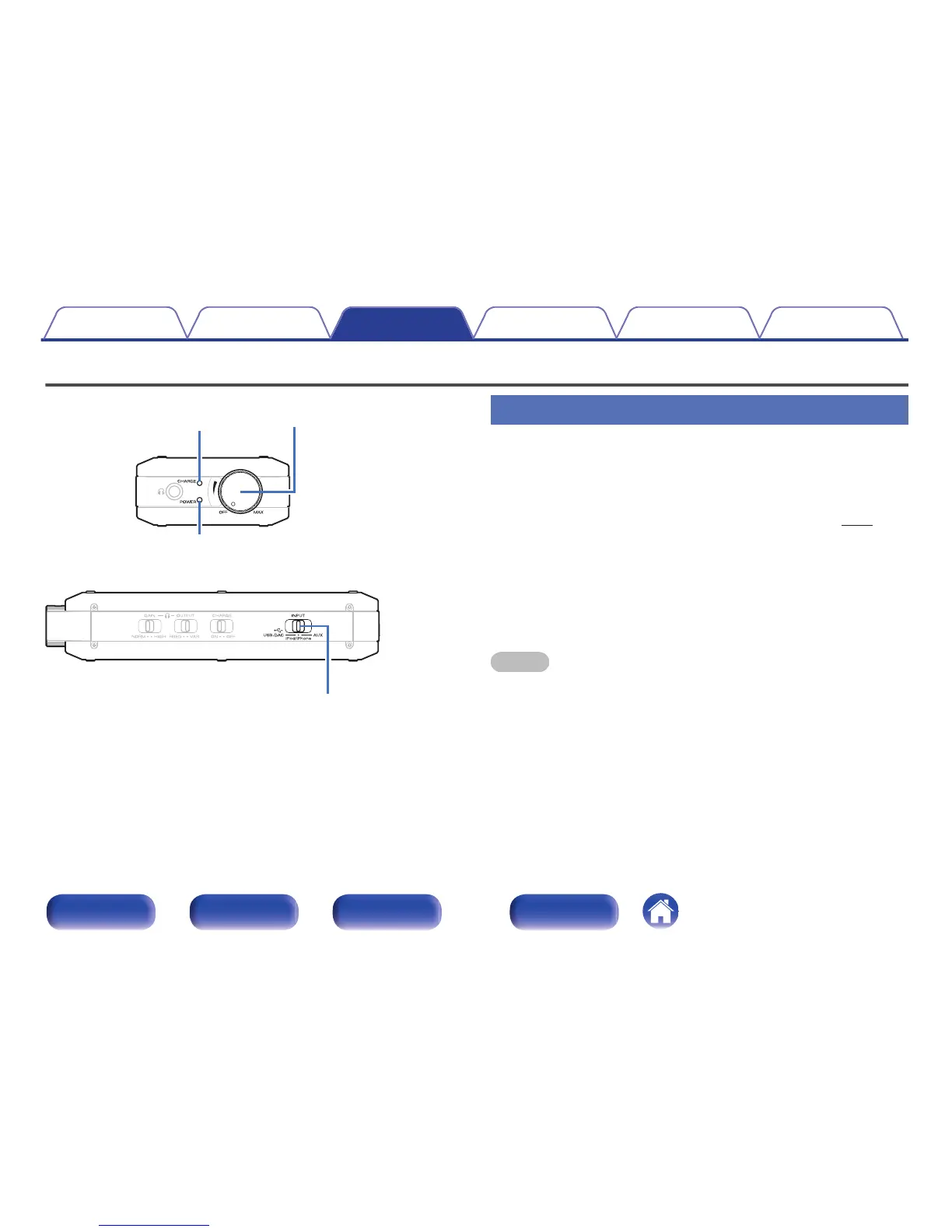
Turn the Power/Volume knob to the right to switch on
the power.
The power indicator (POWER) lights.
0
When running on the battery, the battery indicator (CHARGE)
blinks and displays the remaining battery power. (v
p. 11)
o
Turning the power off
1
Turn the Power/Volume knob to the left until a “click” is
heard.
The power turns off and the power indicator (POWER) turns off.
NOTE
The battery runs down if the power is left on.
Be sure to turn the power off when not using this unit.
Contents Connections Playback Settings Tips Appendix
21
Front panel Side panel Rear panel Index



 To Next Page