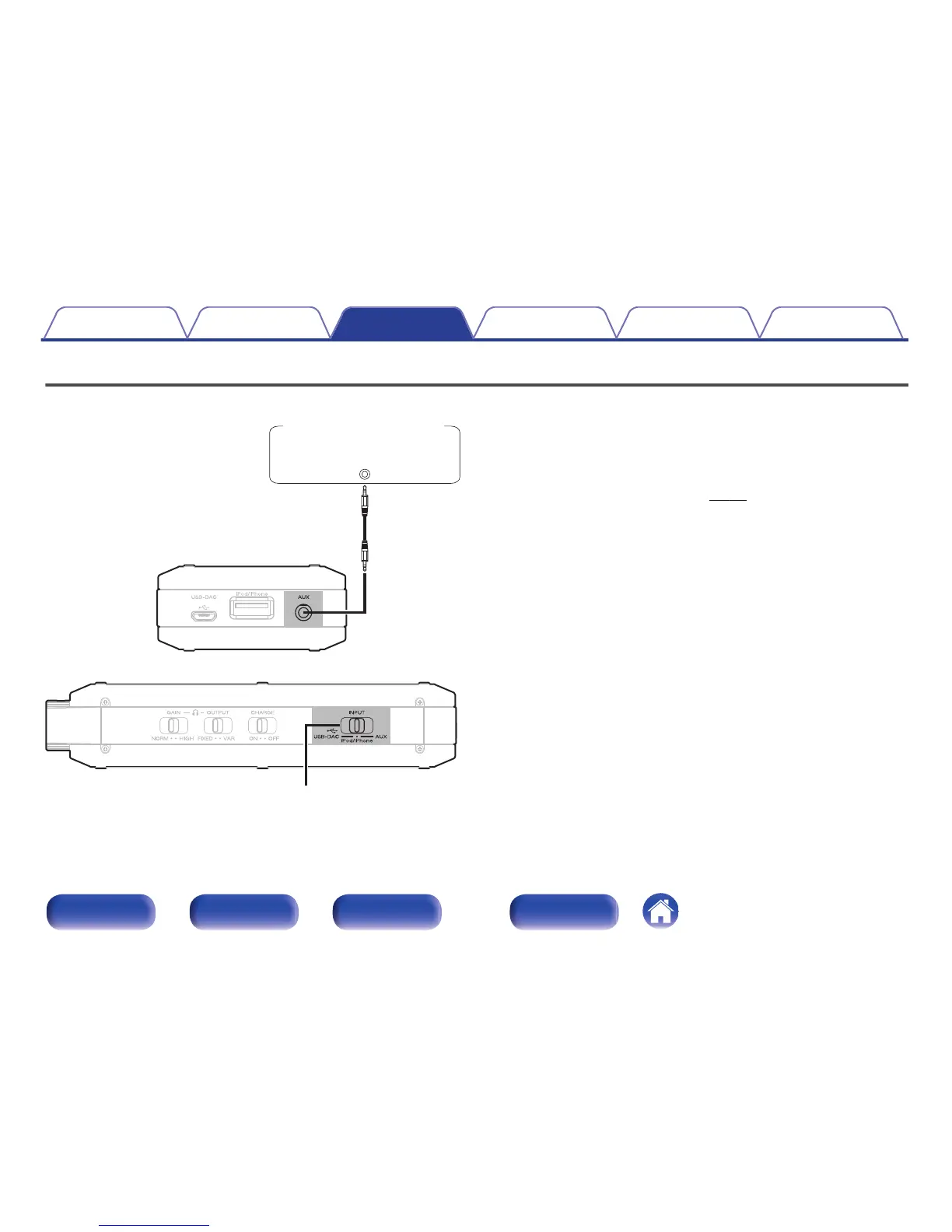
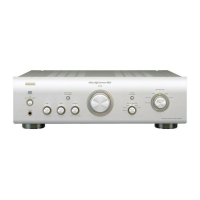
You can connect a smartphone or portable player to the AUX connector of
this unit and play back audio.
1
Turn the input source select switch (INPUT) to AUX.
2
Connect a smartphone or portable player to the AUX
connector of this unit. (v p. 17)
3
Play the component connected to this unit.
Contents Connections Playback Settings Tips Appendix
34
Front panel Side panel Rear panel Index



 To Next Page