10
ENGLISH
ENGLISH
Introduction Connections Playback Function Setup Others
Connections
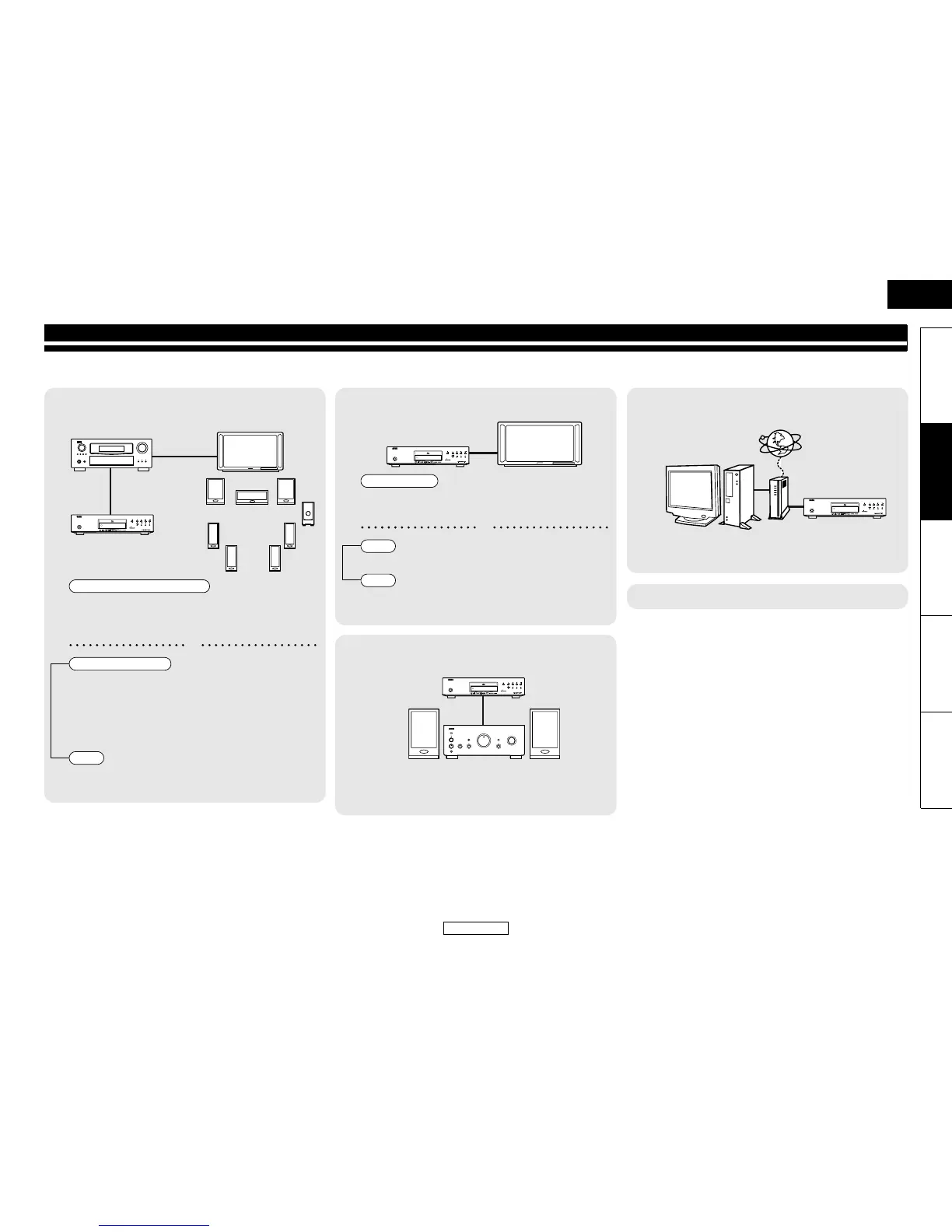
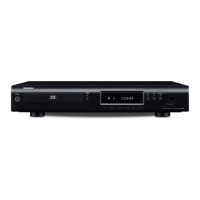
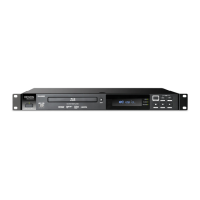
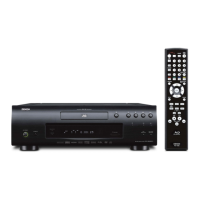
Connect the DBP-2010 as follows before using. Make connections according to the equipment you are connecting.
Some DBP-2010 settings may be necessary depending on the connection method. Check each connection item for more information.
1
Home theater playback
- Playing back using multi-channel system
• HDMI connection
“Connecting to a Display Device and an Amplifier/
Receiver with HDMI Cable” (page 11)
• Digital audio connection
“Digital Connection to an AV Amplifier with Built-in
Decoder” (page 13)
• Analogue 7.1 or 5.1ch connection
“Surround Connections to a Device with 7.1/5.1-channels
of Analogue Audio Inputs” (page 14)
•Connecting to a TV
(VIDEO OUT/COMPONENT VIDEO OUT)
: page 11
ON / STANDBY
SD CARD
DBP-2010
Multi-channel Audio + Video
or
Multi-channel Audio
Video
2
Playing back with a direct connection to a TV
• Connecting to a Display Device with
HDMI Cable
: page 11
• Connecting to a TV (2ch AUDIO OUT) : page 11
•Connecting to a TV
(VIDEO OUT/COMPONENT VIDEO OUT)
: page 11
3
Playing back 2-channel audio
• 2ch audio connection
“Connection to a Device with 2-channels of Analogue
Audio Inputs” (page 14)
ON / STANDBY
SD CARD
DBP-2010
Audio + Video
or
Audio
Video
ON / STANDBY
SD CARD
DBP-2010
4
Using BD-Live function or updating the software
version of DBP-2010
• LAN connection
“Network Connection with LAN” (page 15)
• Connecting the AC cord : page 15
ON / STANDBY
SD CARD
DBP-2010


 To Next Page