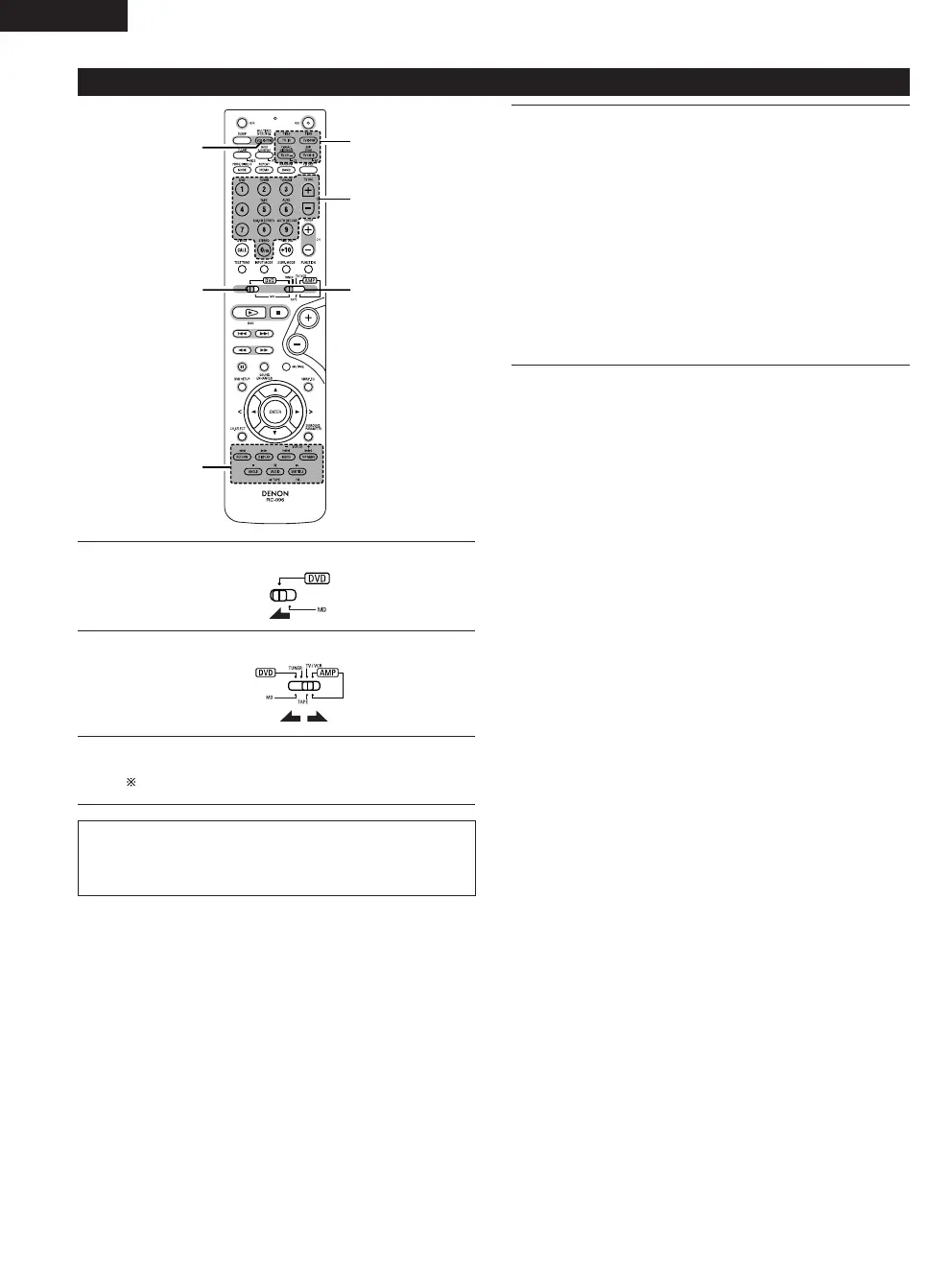
1
2
3
Set mode switch 1 to the “DVD” position.
Set mode switch 2 to the “TV/VCR” position.
Operate the video component.
• For details, refer to the component’s operating instructions.
It may not be possible to operate some models.
NOTE:
• The TV’s “TV (POWER)” and “TV IN” buttons can be operated as
long as mode switch 1 is set to the “DVD” position, regardless
of the position of mode switch 2.
3
Monitor TV (TV) and video deck (VCR) system buttons
q TV system buttons
TV POW : Power on/off
0~9 : Channel numbers
TV IN : TV input switching
TV VOL +, – : Volume up/down
TV CH +, – : Channel switching
w Video deck system buttons
VCR POW : Power on/off
VCR CH +, – : Channel switching
6, 7 : Manual search (fast-forward and fast-backward)
1 : Play
3 : Pause
2 : Stop



 To Next Page