44
ENGLISH
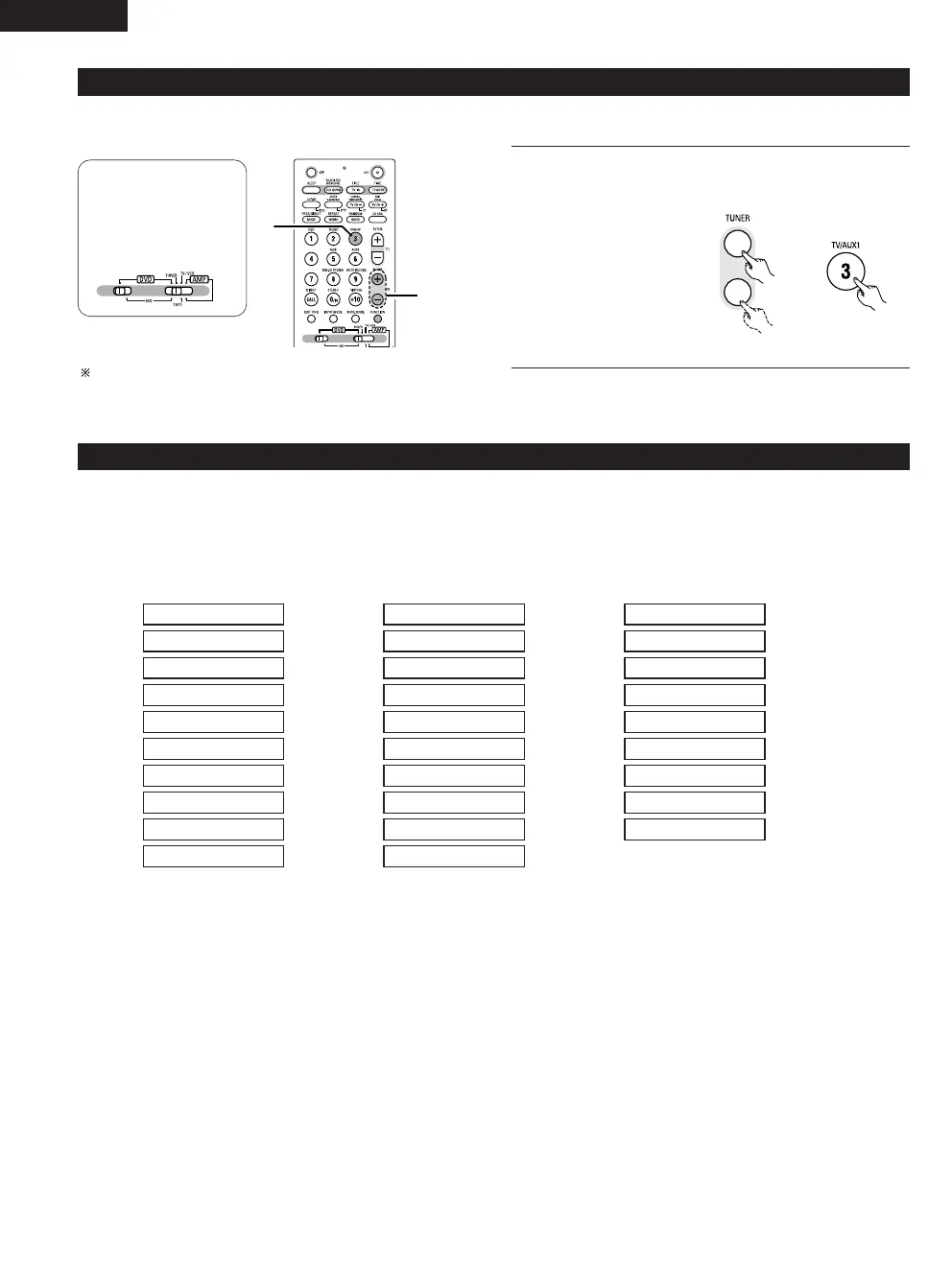
(4) Listening to preset stations (remote control unit only)
Example: Listening to the station preset at number P03 (This operation is only possible from the remote control unit.)
1
Use the “+” and “–” preset buttons to select preset number
“3” or press the “3” button on the numeric keypad to display
preset number “P03”.
News
Affairs
Information
Sports
Education
Drama
Culture
Science
Varied
Pop Music
Rock Music
Easy Listening
Light Classical
Serious Classical
Other Music
Weather &
Meteorological
Finance
Children’s
Progs
Social Affairs
Religion
Phone In
Travel & Touring
Leisure &
Hobby
Jazz Music
Country Music
National Music
Oldies Music
Folk Music
Documentary
(5) RDS (Radio Data System)
RDS (works only on the FM band) is a broadcasting service which allows station to send additional information along with the regular radio program
signal.
The following three types of RDS information can be received on this unit:
2 Program Type (PTY)
PTY identifies the type of RDS program.
The program types and their displays are as follows:
2 Traffic Program (TP)
TP identifies programs that carry traffic announcements.
This allows you to easily find out the latest traffic conditions in your area before you leaving home.
2 Radio Text (RT)
RT allows the RDS station to send text messages that appear on the display.
NOTE: The operations described below using the RDS, PTY and RT buttons will not function in areas in which there are no RDS broadcasts.



 To Next Page