Listening to music on a Bluetooth device
Music files stored on Bluetooth devices such as smartphones, digital music players, etc. can be enjoyed on this unit by pairing and connecting this unit
with the Bluetooth device.
.
Pairing a Bluetooth device for the first
time
Pair a Bluetooth device with this unit.
Once the Bluetooth device has been paired, it does not need to be paired
again.
1
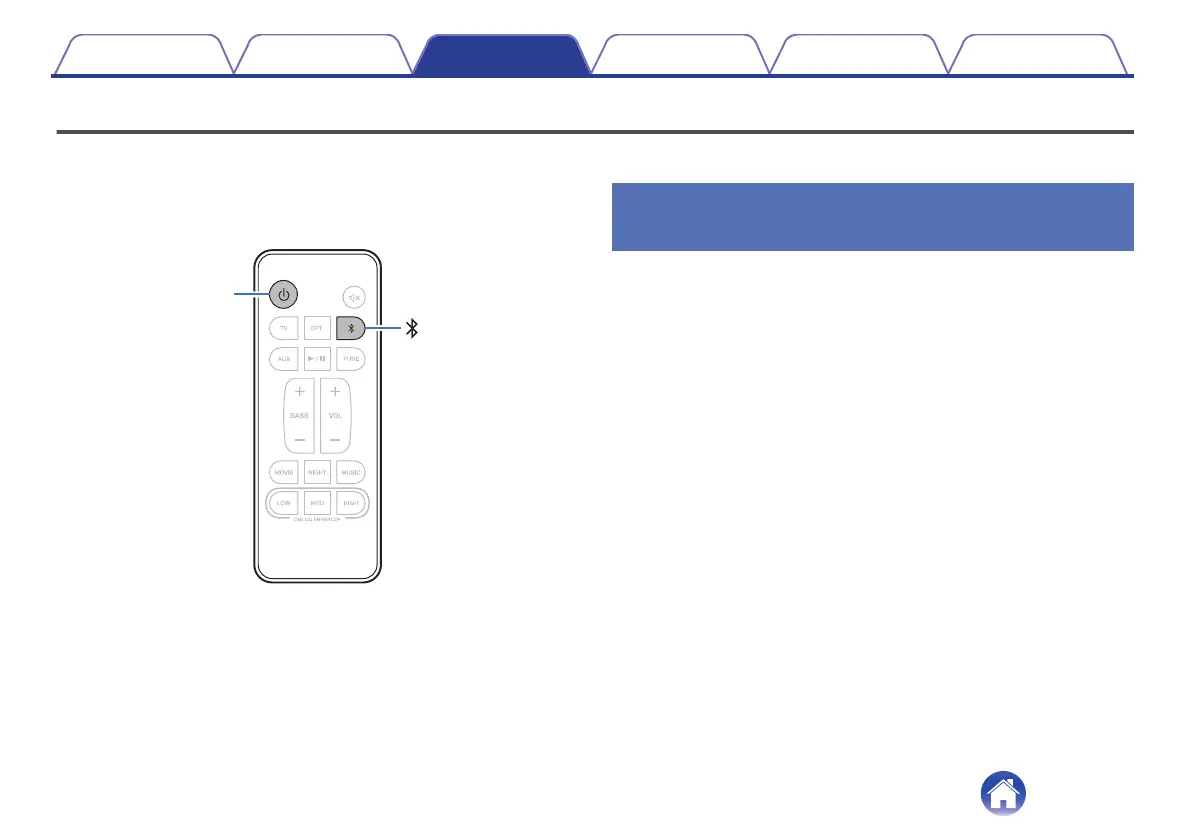
Press c to turn on power to the unit.
2
Press g to switch the input source to “Bluetooth”.
Automatically switches to pairing mode the first time it is used.
The status display LED blinks in blue when this unit is in pairing
mode.
3
Activate the Bluetooth settings on your Bluetooth
device.
4
Select “DHT-S416” (Default) from the list of devices
displayed on the screen of the Bluetooth device.
The status display LED lights up in blue and this device and the
Bluetooth device are paired.
Contents
Connections Playback Settings Tips Appendix
24



 To Next Page