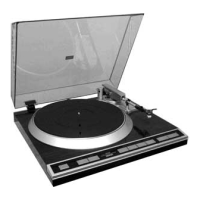
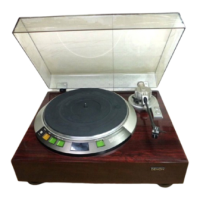
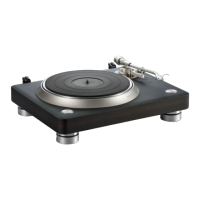
Record playback
.
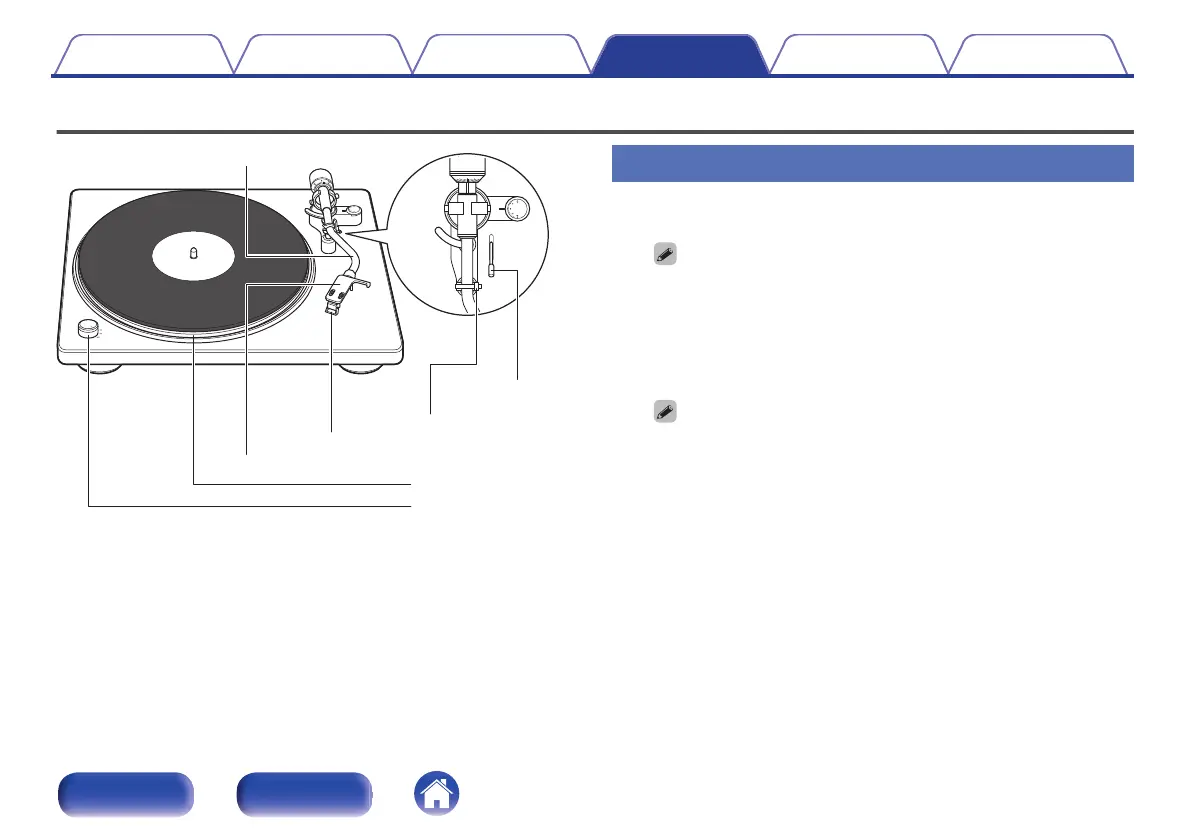
Tone arm
Power/rpm switch knob
Turntable
Head shell with cartridge
Armrest
Lifter lever
Stylus cover
Record playback
1
Place a record on the turntable.
0
For EP (“doughnut”) records, insert the included 45 rpm adapter onto the
center spindle.
2
Turn the power/rpm switch knob to match the turntable
rpm with the rpm of the record.
The turntable will start turning.
0
You can select 33 1/3, 45, 78 rpm as the turntable speed per minute.
0
The record rpm is normally indicated on the jacket or label of the record.
Contents Preparations Connections
Playback and recording
Tips Appendix
24
Front panel Rear panel
I
V V
\
V \
I
_
-'
0



 To Next Page