Installing the “MusiCut for DENON” digital file editing software
You can install “MusiCut for DENON” of the digital file editing software on
your computer from our website. Using “MusiCut for DENON”, digital files
saved to a USB memory device can be split up, song information acquired
and file names edited (MP3 only).
0
MusiCut is the trademark of TrackSafe,Inc.
0
Microsoft, Windows 8, Windows 8.1 and Windows 10 are either
registered trademarks or trademarks of Microsoft Corporation
in the United States and/or other countries.
o
Recommended devices and system
requirements for using “MusiCut for DENON”
OS
0
Windows 8, Windows 8.1 or Windows 10
HDD
0
HDD with 50 MB or more free space
USB
0
USB 2.0: USB High speed
o
Installing “MusiCut for DENON”
1
Download “MusiCut for DENON” to your computer from
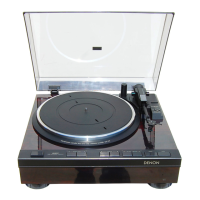
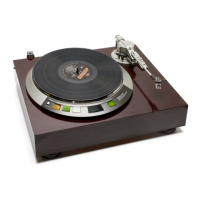
“Downloads” on the DP-450USB page on our website.
2
Unzip the downloaded file, and double-click the exe
file.
The installation setup screen is displayed.
3
Follow the instructions on the setup screen to install.
o
Editing with “MusiCut for DENON”
See “Help” in “MusiCut for DENON” for editing operations.
Contents
Preparations Connections
Playback and recording
Tips Appendix
32
Front panel Rear panel



 To Next Page