26
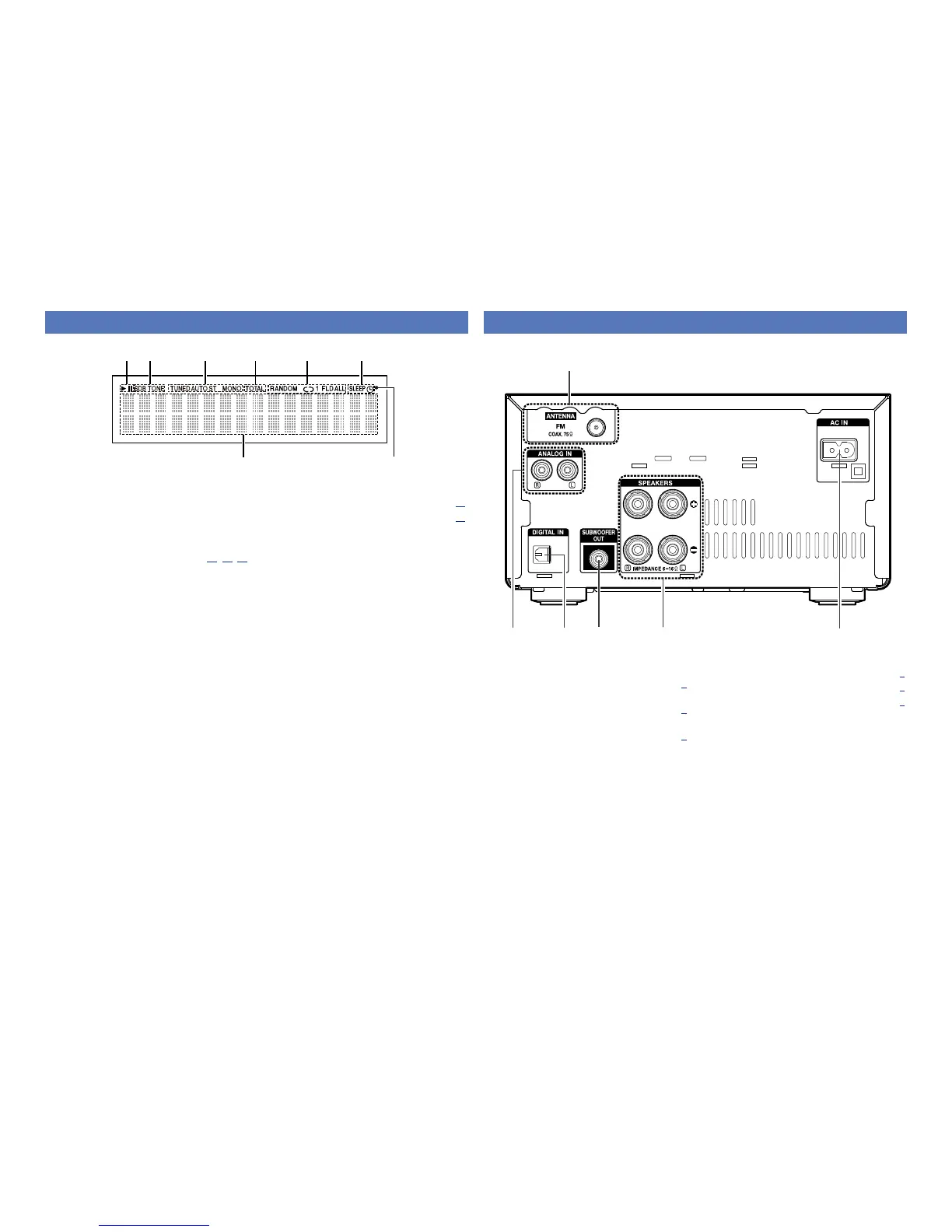
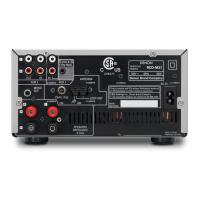
q Analog audio connectors
(ANALOG IN) ················································· (6)
w Digital audio connector
(DIGITAL IN) ·················································· (6)
e Subwoofer connector
(SUBWOOFER OUT) ····································· (4)
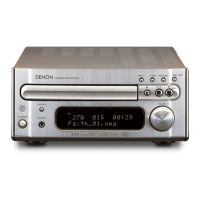
q Information display
Various information is displayed here.
w Remote control signal reception indicator
e Timer operation indicator
r Play mode indicator ······················· (11, 18, 20)
t TOTAL indicator
Lights when the total number of tracks and total
time of the CD are displayed.
y Tuner reception mode indicators ············· (13)
u Tone indicators ··········································· (10)
SDB: Lights when the super dynamic bass
function is set to “ON”.
TONE: Lights when the tone (bass/treble) is
being adjusted.
i Playback mode indicators
1 : During Playback
3 : During pause
Display
q
u
i y rt e
w
Rear panel
For buttons not explained here, see the page indicated in parentheses ( ).
e
y
q
rw
t
r Speaker terminals (SPEAKERS) ·················· (4)
t AC inlet (AC IN) ············································· (6)
y FM antenna terminal (ANTENNA) ·············· (6)


 To Next Page