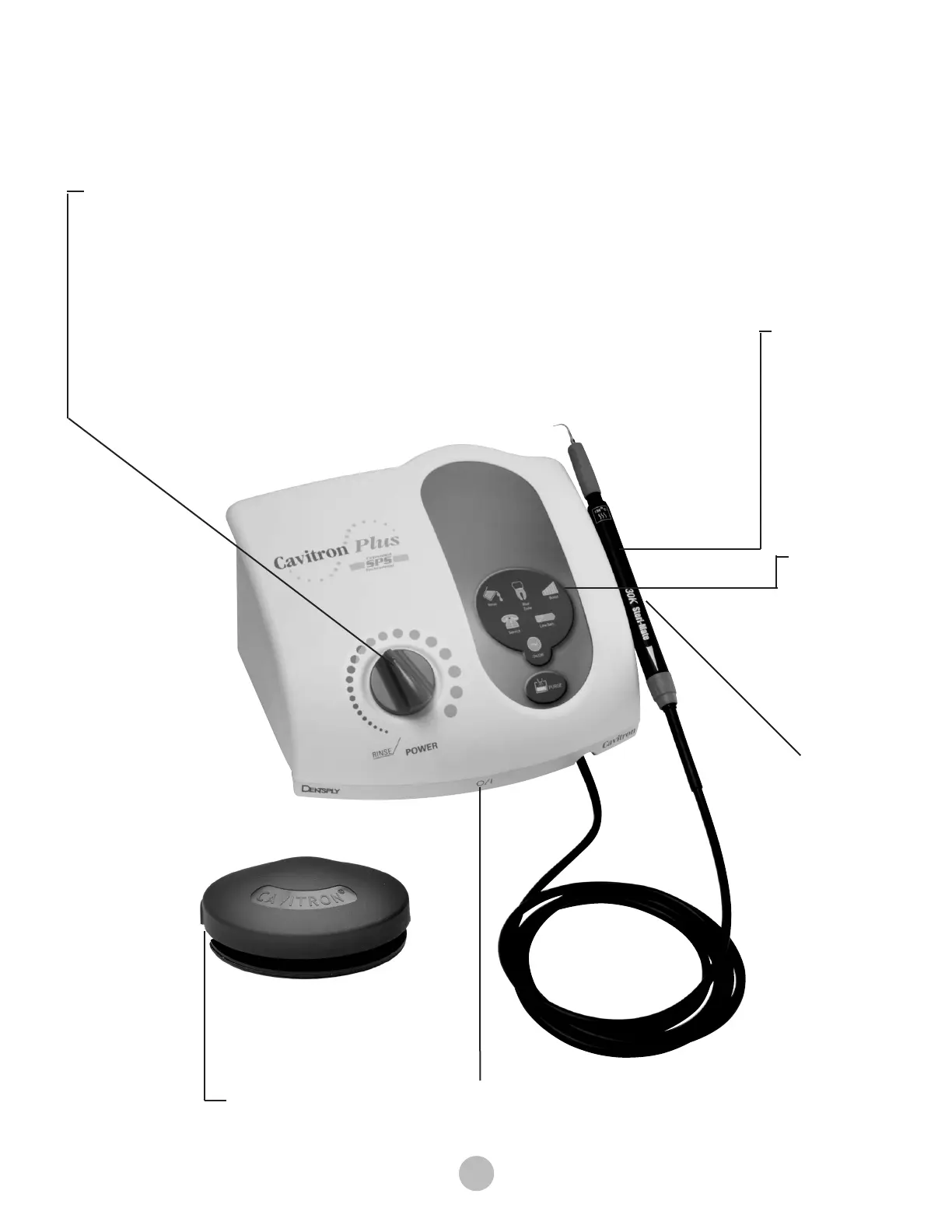
Main Power ON/OFF Switch
ON/OFF Switch located at the center front underside of the
system.
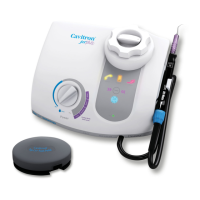
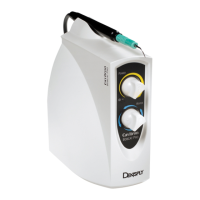
Ultrasonic Power Level Control
Turn knob to select the ultrasonic power level for operation. Turning the knob clockwise
increases the distance the insert tip moves (stroke) without changing the frequency; turning
the knob counterclockwise decreases the distance the insert tip moves (stroke) without
changing the frequency.
The Blue Zone is a low-power range for effective subgingival debridement and improved
patient comfort during definitive therapy.
Rinse
Turn ultrasonic power level control knob fully counterclockwise until a “click” is heard. Rinse
mode is for use during an ultrasonic scaling procedure when lavage is desired with minimal
cavitation.
Diagnostic
Display
See Section
7.2.
Handpiece
Operates all
Cavitron
®
30K
™
Ultrasonic inserts
and transmits
power and lavage
from the system
to insert.
Handpiece Holder
Securely holds the
system’s handpiece
(with or without insert)
when the system is
not in use. Also holds
cable connector when
handpiece is not
installed.
Dual Position
Foot Control
See Section 7.5





 To Next Page