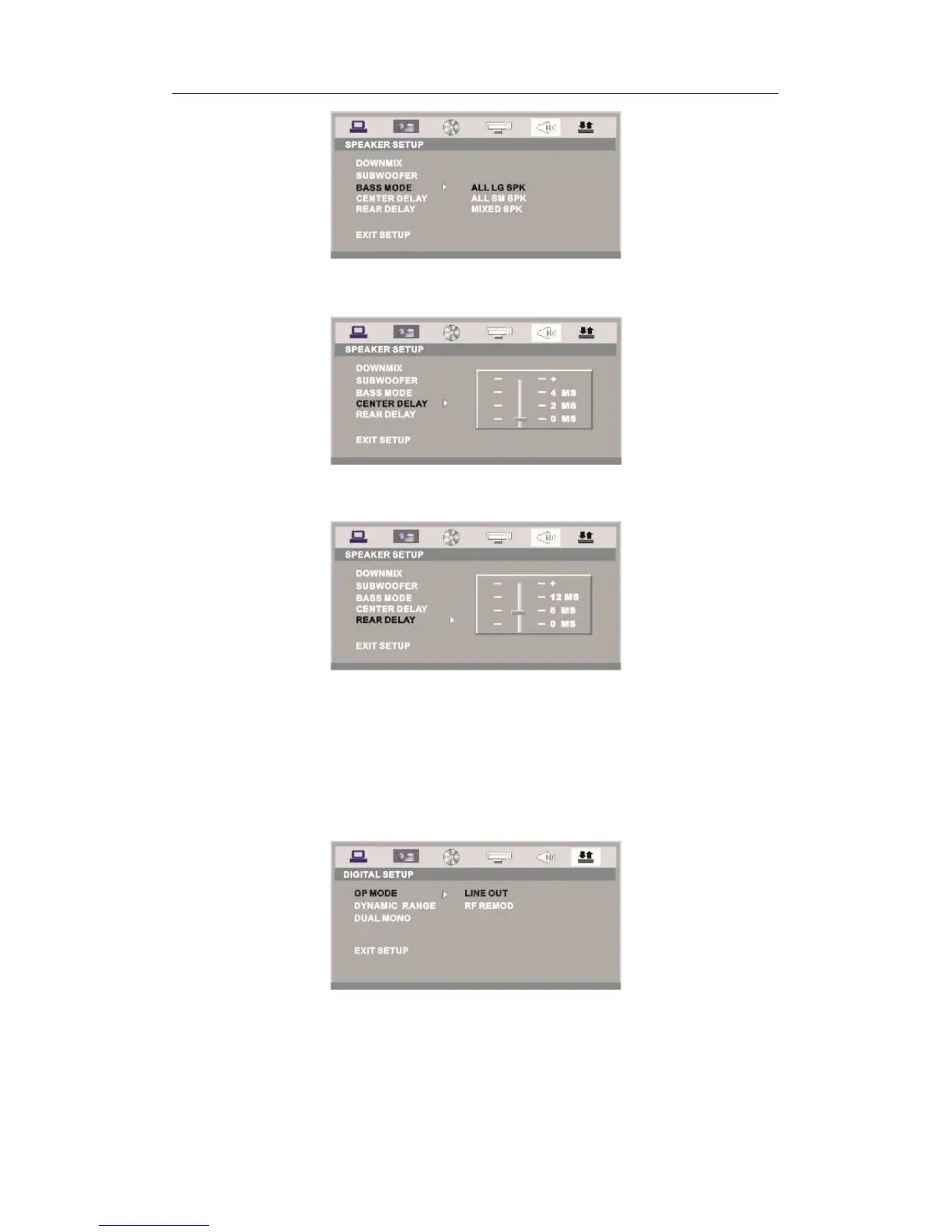
CENTER DELAY
You can adjust center delay in this option.
REAR DELAY
You can adjust rear delay in this option.
f) DIGITAL SETUP
The video setup options are illustrated below:
OP MODE
LINE OUT: Choose this setting to line out the input signal. It will be more suitable
for playing in the night, for the output volume is low.
RF REMOD: It will be more suitable to choose this setting for playing in the day
time, for the output volume is high.
DYNAMIC RANGE: When “LINE OUT” is selected, choose this setting to adjust the
line out ratio and get different effect. If adjusting to FULL, the audio signal peak value
will be the minimum; while adjusting to OFF, maximum.



 To Next Page